1
General AT Commands
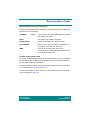
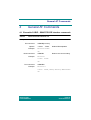
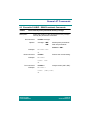
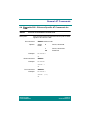
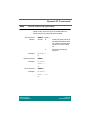
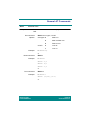
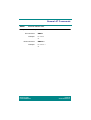
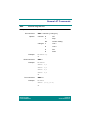
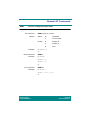
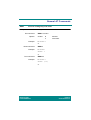
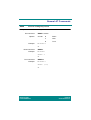
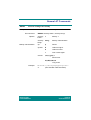
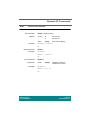
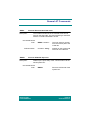
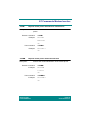
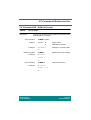
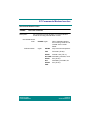
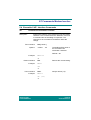
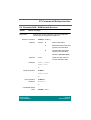
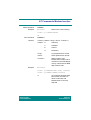
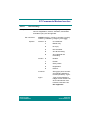
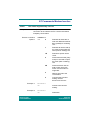
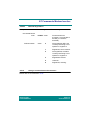
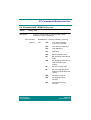
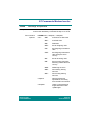
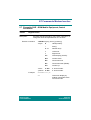
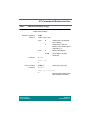
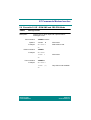
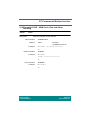
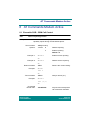
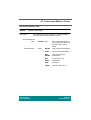
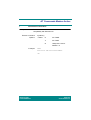
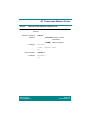
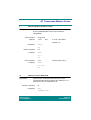
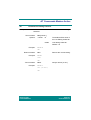
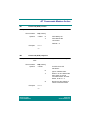
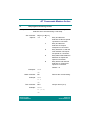
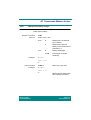
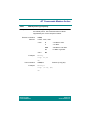
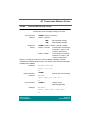
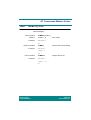
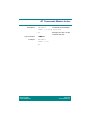
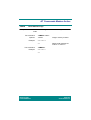
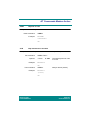
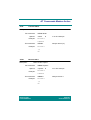
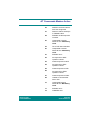
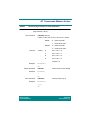
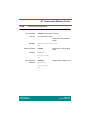
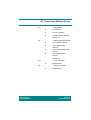
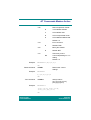
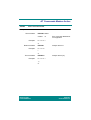
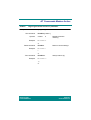
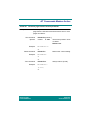
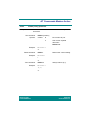
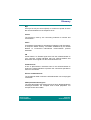
*ETXT
Ericsson text command
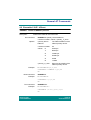
Description:
Sets and activates the greetings text in the MS.
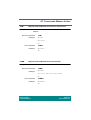
Set command:
Options:
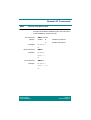
*ETXT=<onoff>[,<text>]
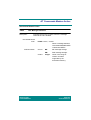
<onoff>
<text>
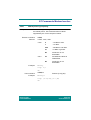
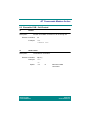
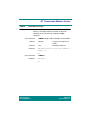
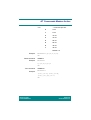
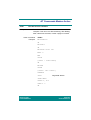
Example:
0
Set text off.
1
Set text on.
string
Free text to display.
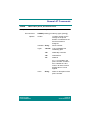
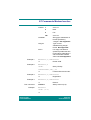
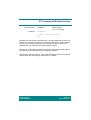
AT*ETXT=1,"Hello"
OK
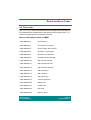
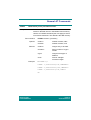
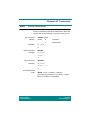
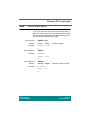
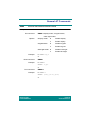
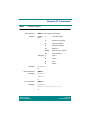
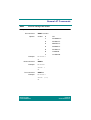
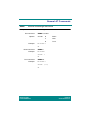
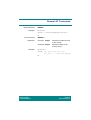
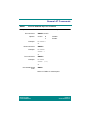
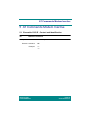
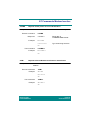
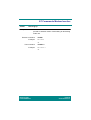
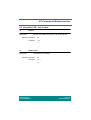
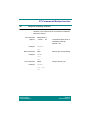
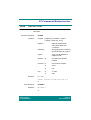
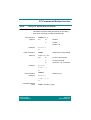
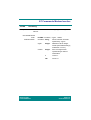
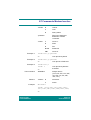
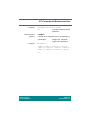
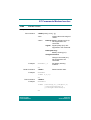
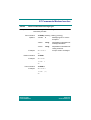
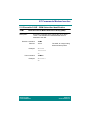
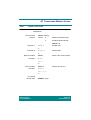
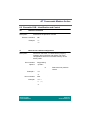
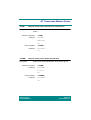
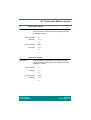
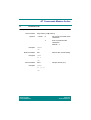
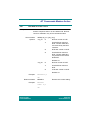
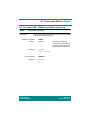
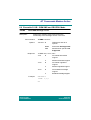
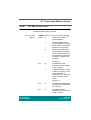
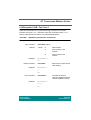
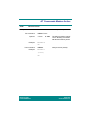
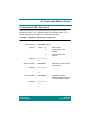
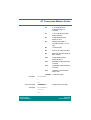
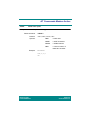
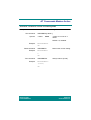
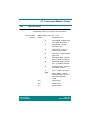
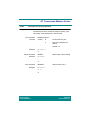
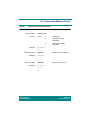
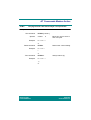
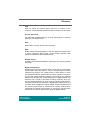
Read command:
Example:
*ETXT?
AT*ETXT?
*ETXT: 1,"Hello"
OK
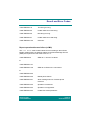
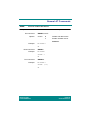
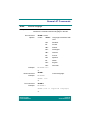
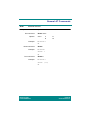
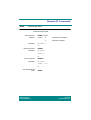
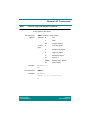
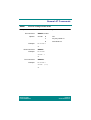
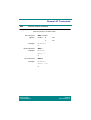
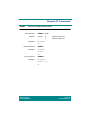
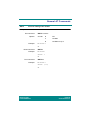
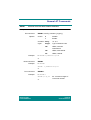
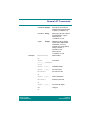
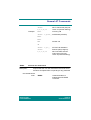
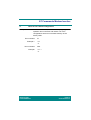
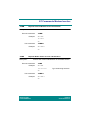
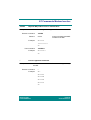
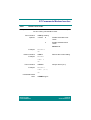
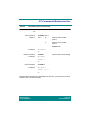
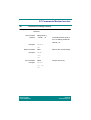
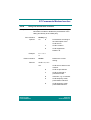
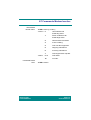
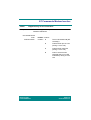
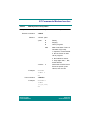
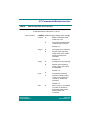
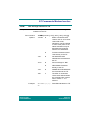
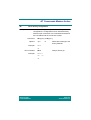
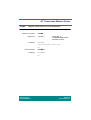
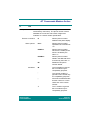
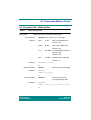
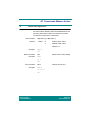
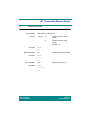
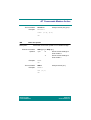
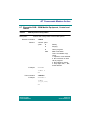
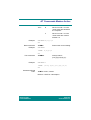
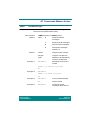
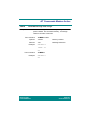
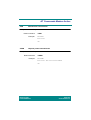
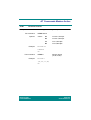
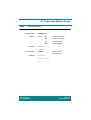
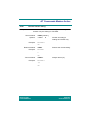
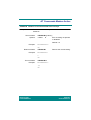
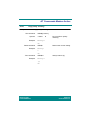
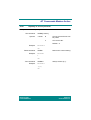
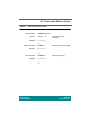
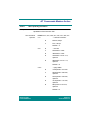
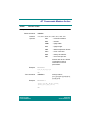
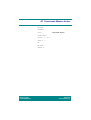
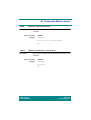
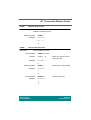
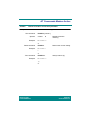
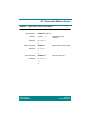
Test command:
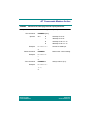
Response:
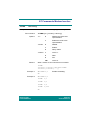
Example:
*ETXT=?
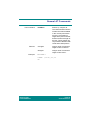
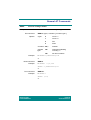
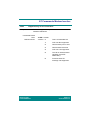
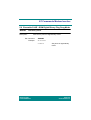
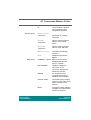
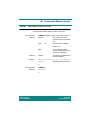
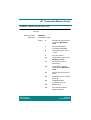
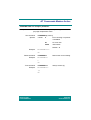
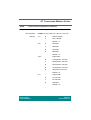
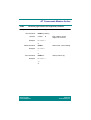
<ltext>
integer
Maximum length of
characters in <text>.
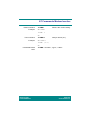
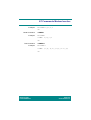
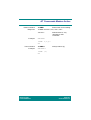
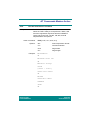
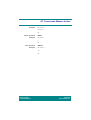
AT*ETXT=?
*ETXT: (0-1),24
OK
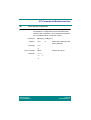
Revision R1D
Infrared Modem®
Page 70
Online Reference