1
Tutorial SSD / SOFiPLUS - A Quick Reference
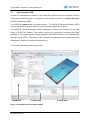
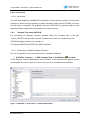
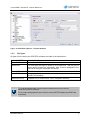
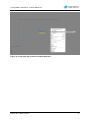
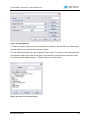
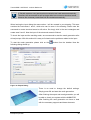
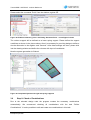
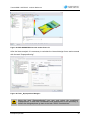
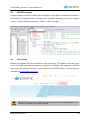
Inside the Sidebar you will find a register card called „Log“. In case of warnings, error
messages or additional information you will find everything listed in this register card.
2.6
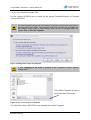
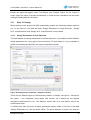
Create Structural Areas with Option „Pick Point in Area“
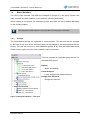
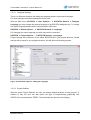
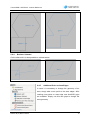
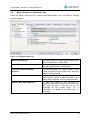
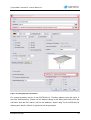
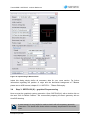
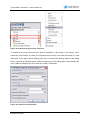
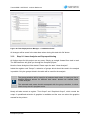
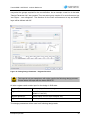
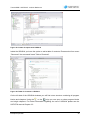
When creating an area with the option „Pick Point in Area“ additional options area availabel
in the Sidebar. Using the option „Detect Boundary“ will automatically detect all openings in
your area.
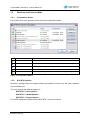
The two options are:
Single boundary
Creates an area with all boundary elements
Detect openings
Area and openings will be created automatically
2.7
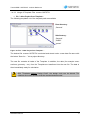
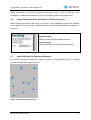
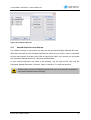
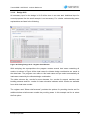
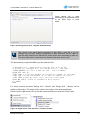
AutoCAD Grips for Structural Elements
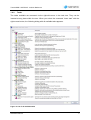
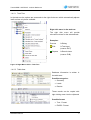
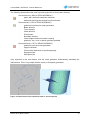
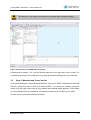
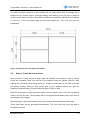
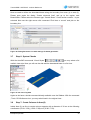
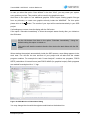
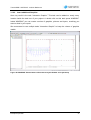
All structural elements contain the original functions of the AutoCAD grips. To change
geometry simply use the grips to do so.
Figure 16: Structural area with grips
SOFiPLUS(-X) Basic Features
17