1
Tutorial SSD / SOFiPLUS - A Quick Reference
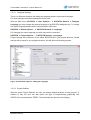
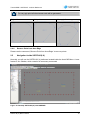
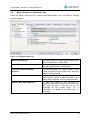
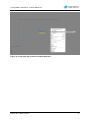
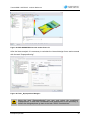
Figure 20: Loadcase Browser
2.11
Named Selections and Groups
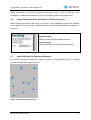
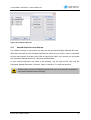
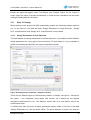
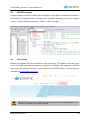
For a better overview of your project you may use the command “Display Selection Set only”.
With this command only the selected elements are visible on your screen. Now it is possible
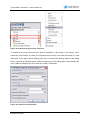
to save this selection for a later recall. With a right mouse click in your screen you can select
the command “Named Selections > Save as new Selection…”.
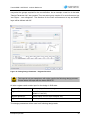
In case named selections are saved in the drawing, use the right mouse click and the
command “Named Selections > Restore ‘name of selection’” to recall the selection.
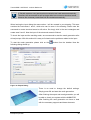
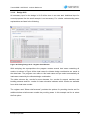
Please use the command “Display Selection Set only” and select the elements for
your named selection before saving it.
SOFiPLUS(-X) Basic Features
21