1
DAS-208SA Disk Array User Guide
4.1.2 Quick Setup via Terminals or PCs
Do the following steps to quickly set up your DAS-208SA via a terminal or PC.
Step 1 Connect one end of the supplied RS-232 cable to the COM port of
your terminal or PC, and the other end to Console port.
Step 2 Plug the multiport cable to the port marked as “AUX” at the rear of
the disk array.
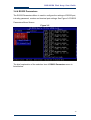
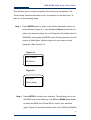
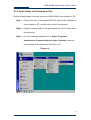
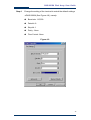
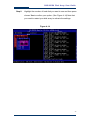
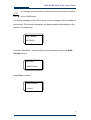
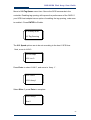
Step 3 From the windows desktop click on Start> Programs>
Accessories> Communications> Hyper Terminal to connect
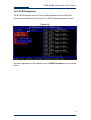
your terminal to the disk array. See Figure 4-8
Figure 4-8
47