1
8
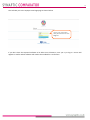
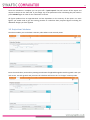
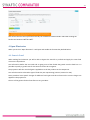
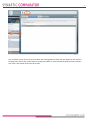
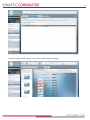
Once the calculation is complete you can print off a “quick report” that will contain all the inputs and
outputs to be put on the client file. If you change any of the parameters after calculating they will need to
press calculate again in order for the calculation to refresh.
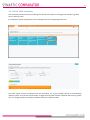
All figures produced are an approximation and are dependent on the accuracy of the inputs. For exact
figures you would need to get the existing provider to recalculate their projected figures including the
additional charges you have applied.
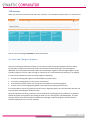
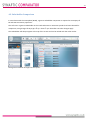
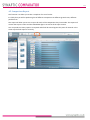
3.2 Projection Calculator
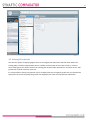
The above enables you to calculate a maturity value where none currently exists.
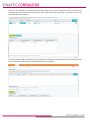
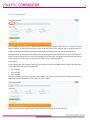
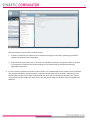
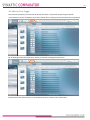
Enter the initial value, term and any existing contributions if applicable together with the growth rates you
wish to use. For each growth rate you enter the calculator will return the “no charges” maturity value.