1
Section
CPM2A/CPM2C Communications Functions
PC Links with Other PCs
4-3
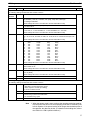
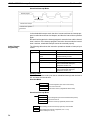
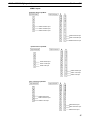
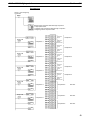
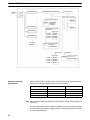
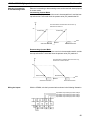
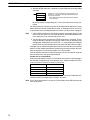
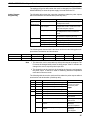
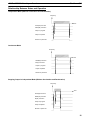
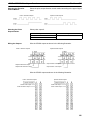
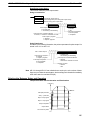
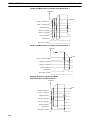
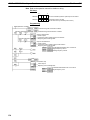
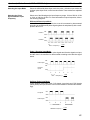
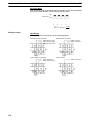
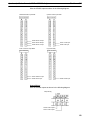
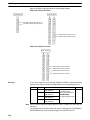
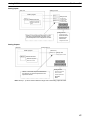
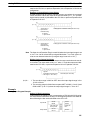
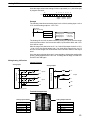
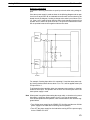
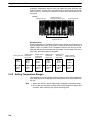
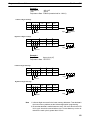
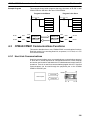
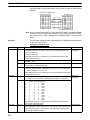
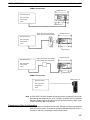
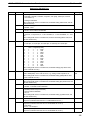
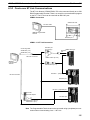
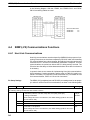
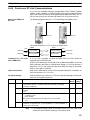
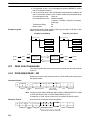
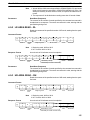
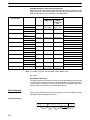
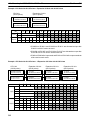
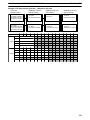
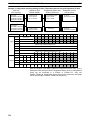
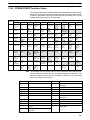
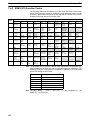
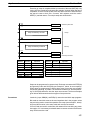
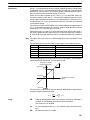
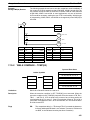
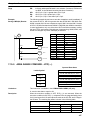
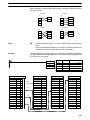
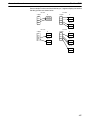
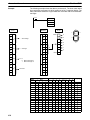
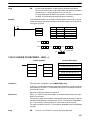
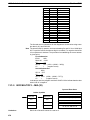
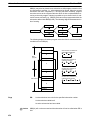
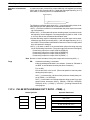
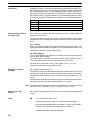
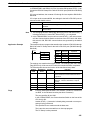
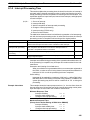
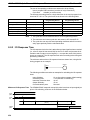
The link relay area on CPM2A/CPM2C PCs is only 16 words, LR00 to LR15.
When performing a 1:1 PC Link with a CPM2A/CPM2C PC and a CQM1,
C200HS, or C200HX/HE/HG use the corresponding 16 words, LR00 to LR15 on
the CQM1, C200HS, or C200HX/HE/HG PC. A 1:1 PC Link with a CPM2A/
CPM2C PC cannot be formed using LR16 to LR 63.
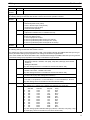
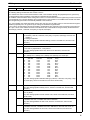
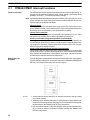
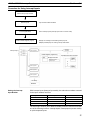
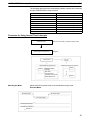
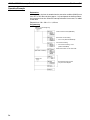
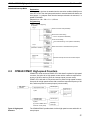
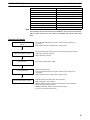
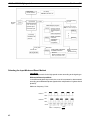
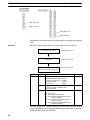
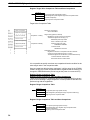
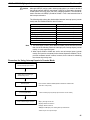
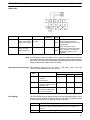
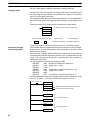
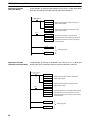
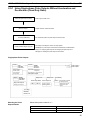
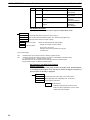
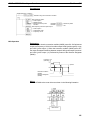
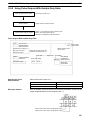
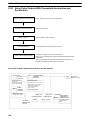
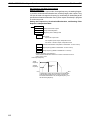
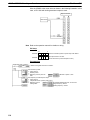
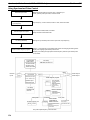
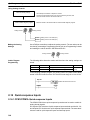
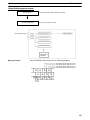
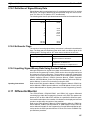
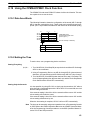
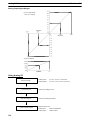
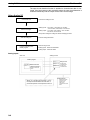
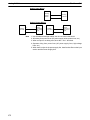
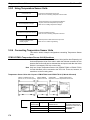
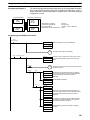
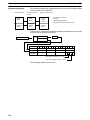
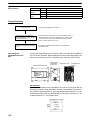
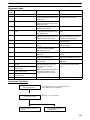
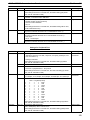
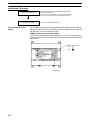
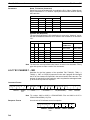
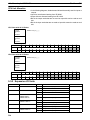
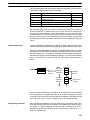
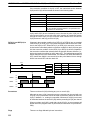
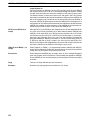
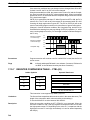
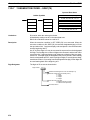
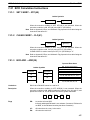
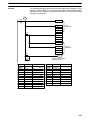
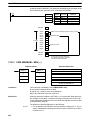
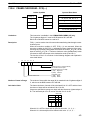
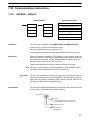
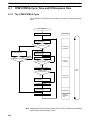
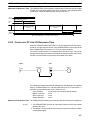
Application Procedure
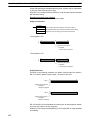
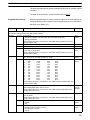
Setting communications.
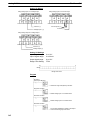
Connecting the cables
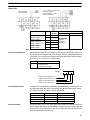
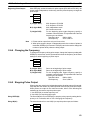
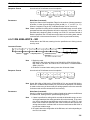
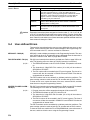
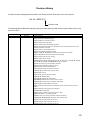
Communications Switch
Setting
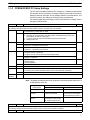
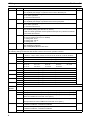
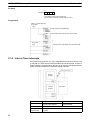
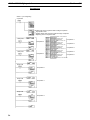
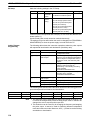
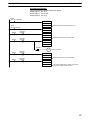
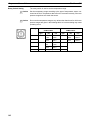
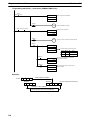
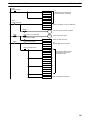
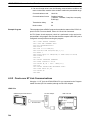
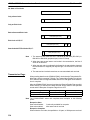
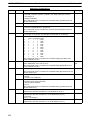
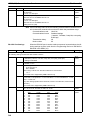
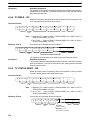
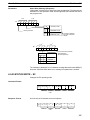
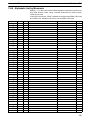
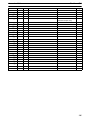
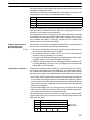
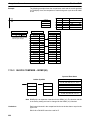
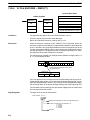
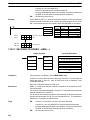
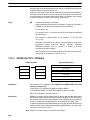
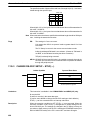
Use the settings in the PC Setup (DM6645 to DM 6649) for
RS-232C communications.
(Turn OFF the Communications switch on the CPM2A’s CPU
Unit or pin 1 of the DIP Switch on the CPM2C’s CPU Unit.)
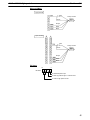
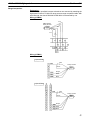
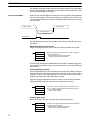
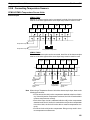
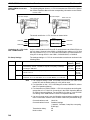
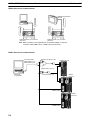
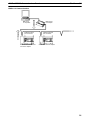
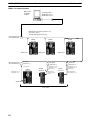
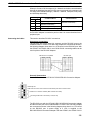
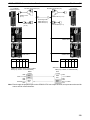
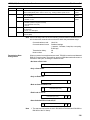
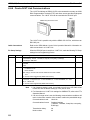
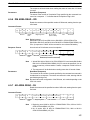
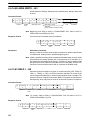
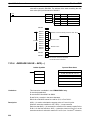
Connect a 1:1 PC Link with another PC.
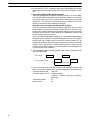
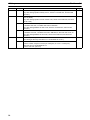
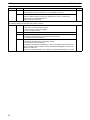
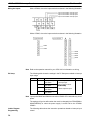
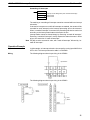
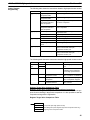
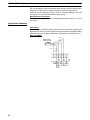
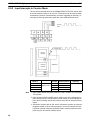
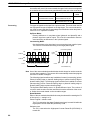
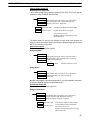
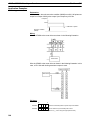
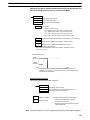
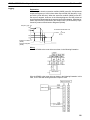
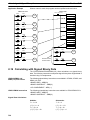
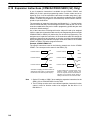
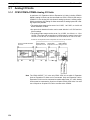
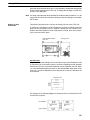
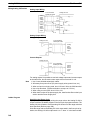
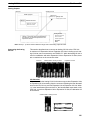
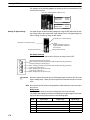
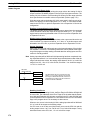
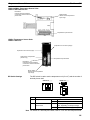
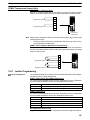
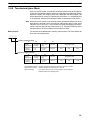
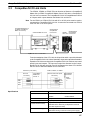
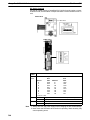
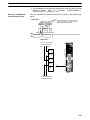
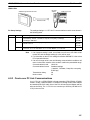
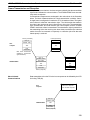
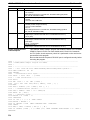
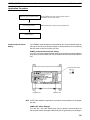
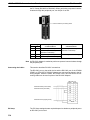
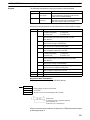
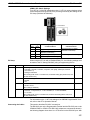
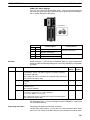
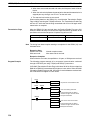
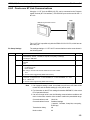
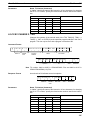
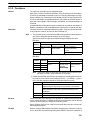
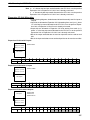
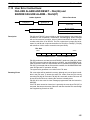
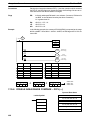
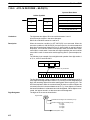
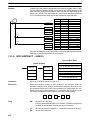
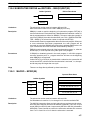
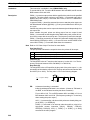
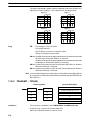
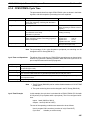
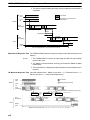
The CPM2A’s communications are controlled by the communications switch on
the front of the CPU Unit and the CPM2C’s communications are controlled by
the DIP switch on the front of the CPU Unit.
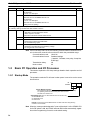
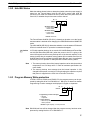
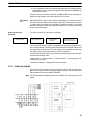
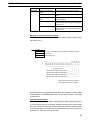
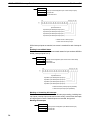
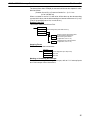
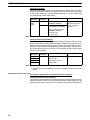
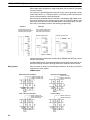
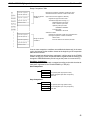
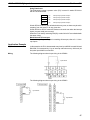
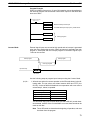
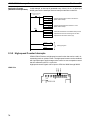
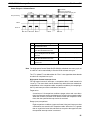
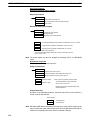
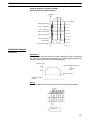
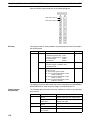
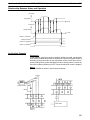
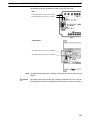
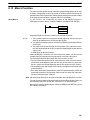
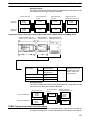
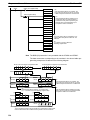
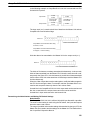
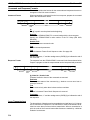
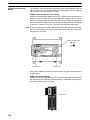
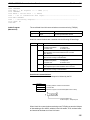
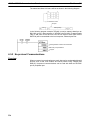
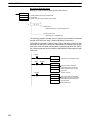
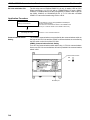
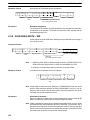
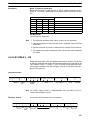
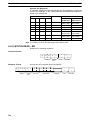
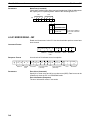
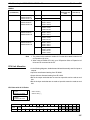
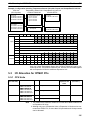
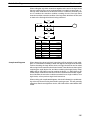
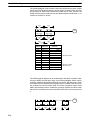
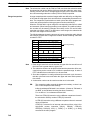
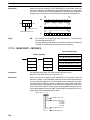
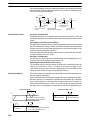
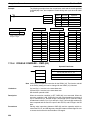
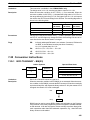
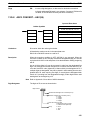
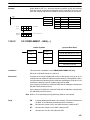
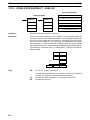
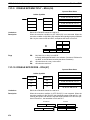
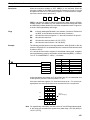
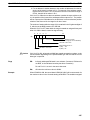
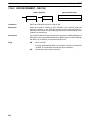
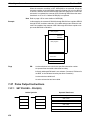
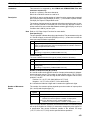
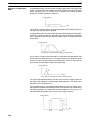
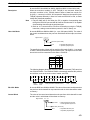
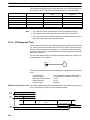
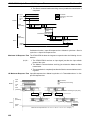
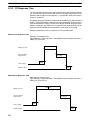
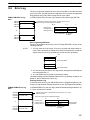
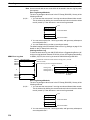
CPM2A Communications Switch Setting
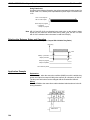
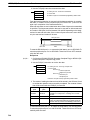
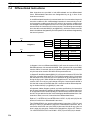
Turn OFF the Communications switch when using 1:1 PC Link communications.
One-to-one PC Link communications will not be possible if the communications
switch is ON.
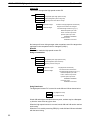
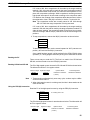
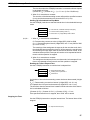
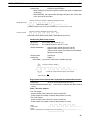
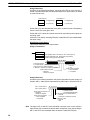
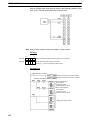
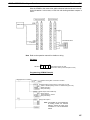
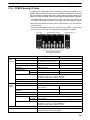
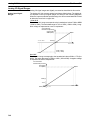
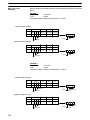
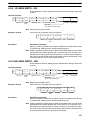
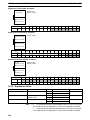
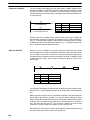
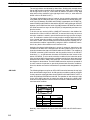
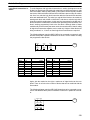
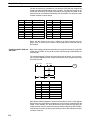
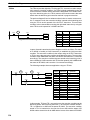
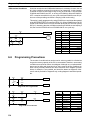
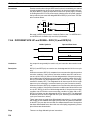
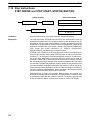
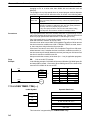
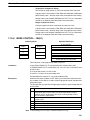
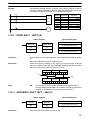
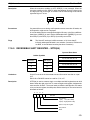
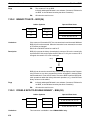
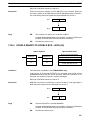
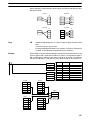
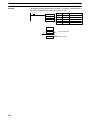
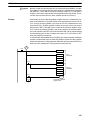
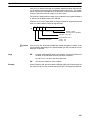
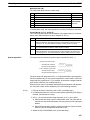
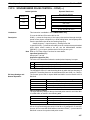
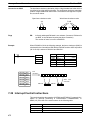
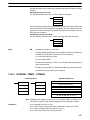
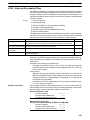
Communications switch
ON
OFF
RS-232C port
240