1
Section 7-29
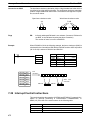
Interrupt Control Instructions
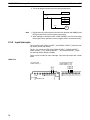
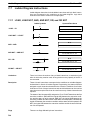
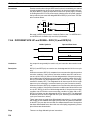
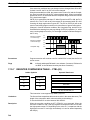
INT(89) cannot be used to mask and unmask all interrupts from within interrupt
routines.
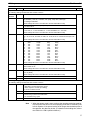
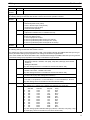
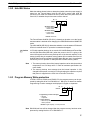
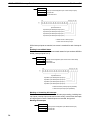
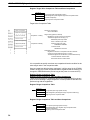
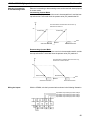
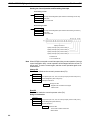
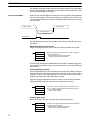
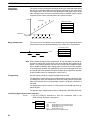
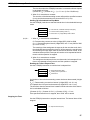
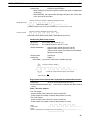
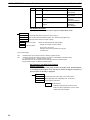
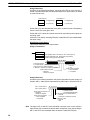
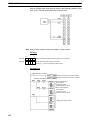
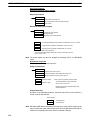
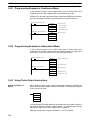
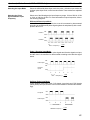
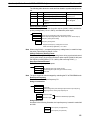
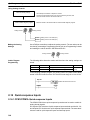
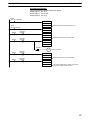
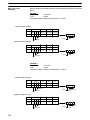
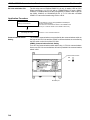
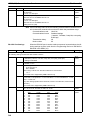
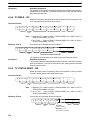
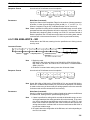
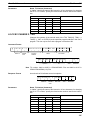
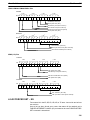
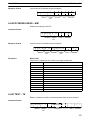
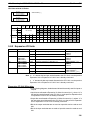
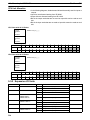
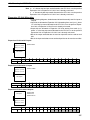
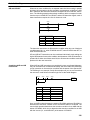
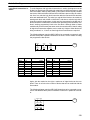
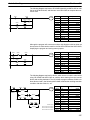
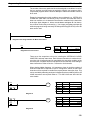
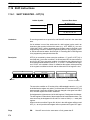
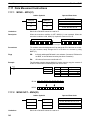
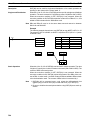
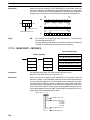
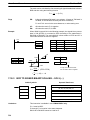
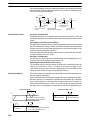
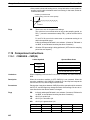
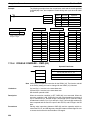
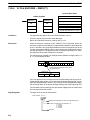
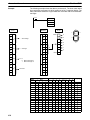
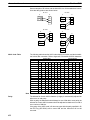
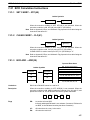
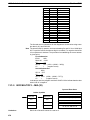
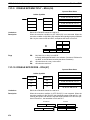
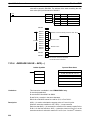
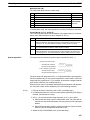
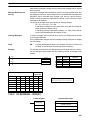
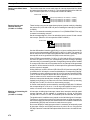
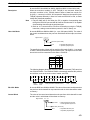
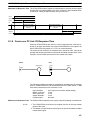
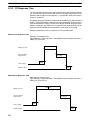
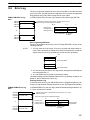
Masking Interrupts (C1=100)
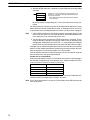
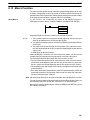
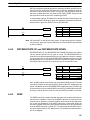
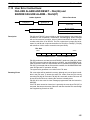
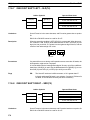
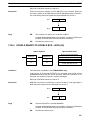
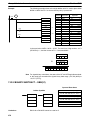
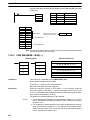
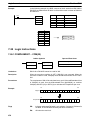
Use the INT(89) instruction with C1=100 to mask all interrupts.
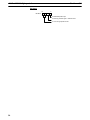
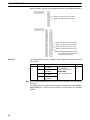
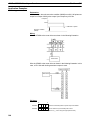
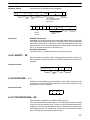
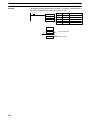
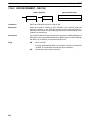
(@)INT(89)
100
000
000
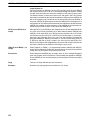
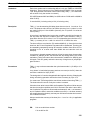
If an interrupt is generated while interrupts are masked, interrupt processing will
not be executed but the interrupt will be recorded for the input, interval timer, and
high-speed counter interrupts. The interrupts will then be serviced as soon as
interrupts are unmasked.
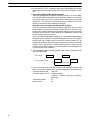
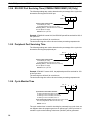
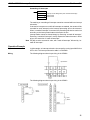
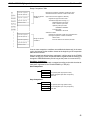
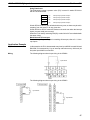
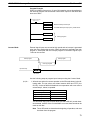
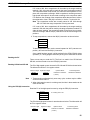
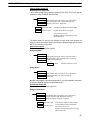
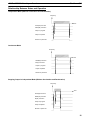
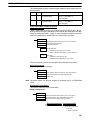
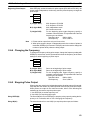
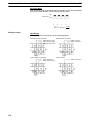
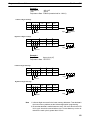
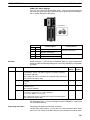
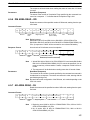
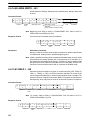
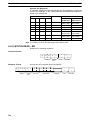
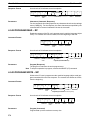
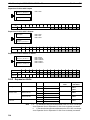
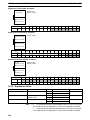
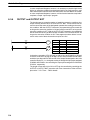
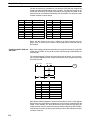
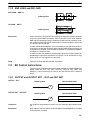
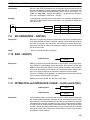
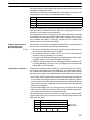
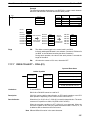
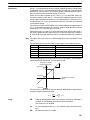
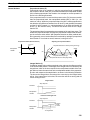
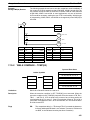
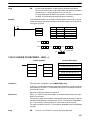
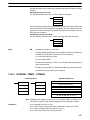
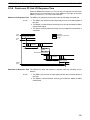
Unmasking Interrupts (C1=200)
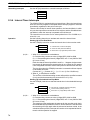
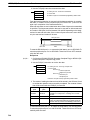
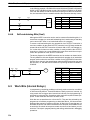
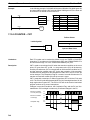
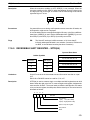
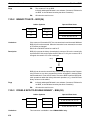
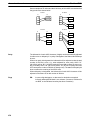
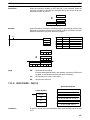
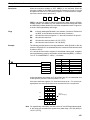
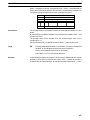
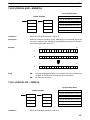
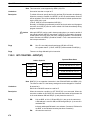
Use the INT(89) instruction with C1=200 to unmask interrupts as follows:
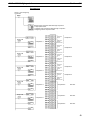
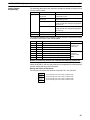
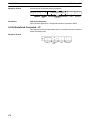
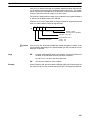
(@)INT(89)
200
000
000
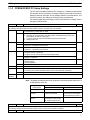
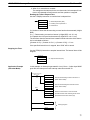
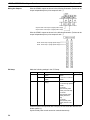
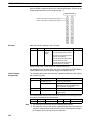
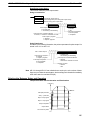
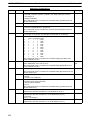
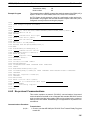
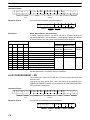
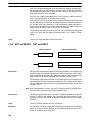
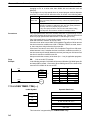
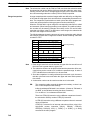
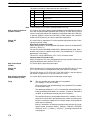
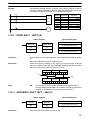
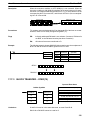
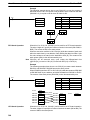
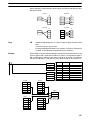
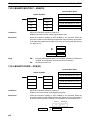
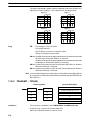
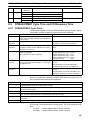
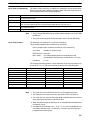
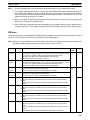
Flags
ER:
A data area boundary is exceeded.
Indirectly addressed DM word is non-existent. (Content of *DM word is
not BCD, or the DM area boundary has been exceeded.)
C1 is not 000 to 004,100, or 200.
C2 is not 0000 to 000F.
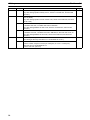
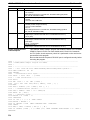
INT(89) is executed with C1=100 or C1=200 while an interrupt program
was being executed.
INT(89) is executed with C1=100 when all inputs were already masked.
C1=200 when inputs were not all unmasked.
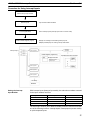
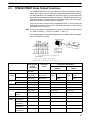
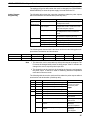
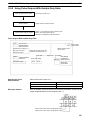
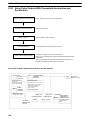
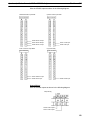
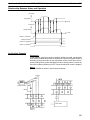
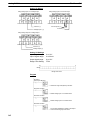
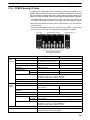
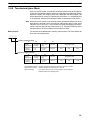
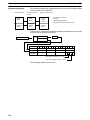
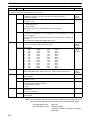
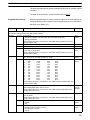
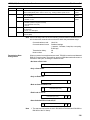
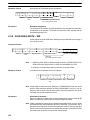
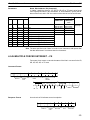
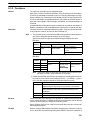
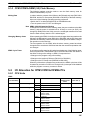
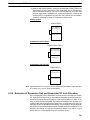
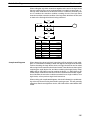
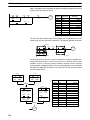
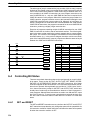
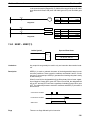
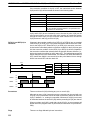
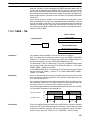
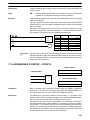
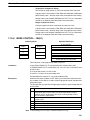
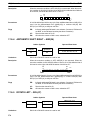
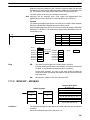
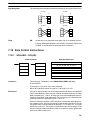
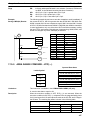
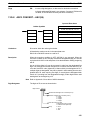
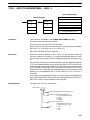
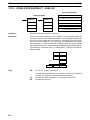
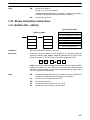
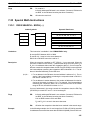
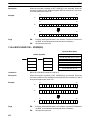
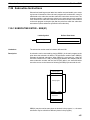
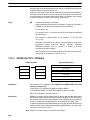
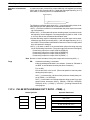
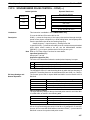
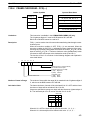
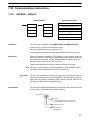
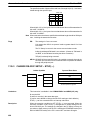
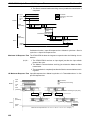
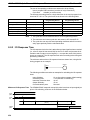
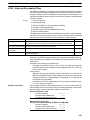
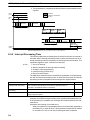
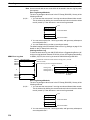
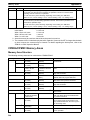
7-29-2 INTERVAL TIMER – STIM(69)
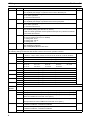
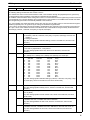
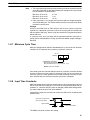
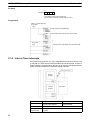
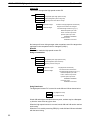
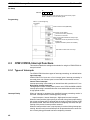
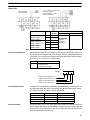
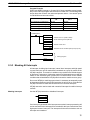
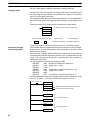
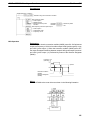
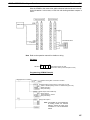
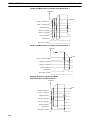
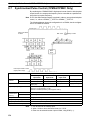
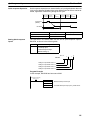
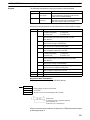
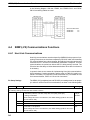
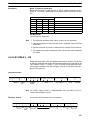
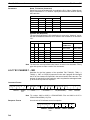
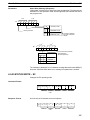
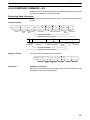
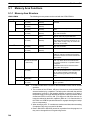
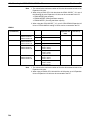
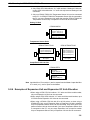
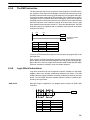
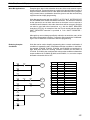
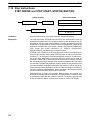
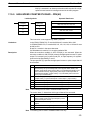
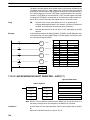
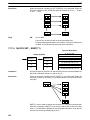
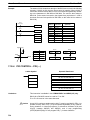
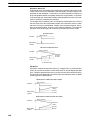
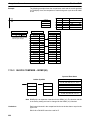
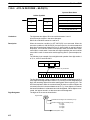
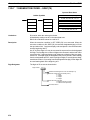
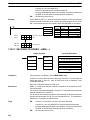
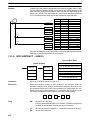
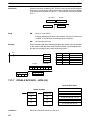
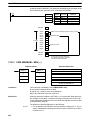
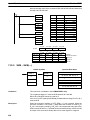
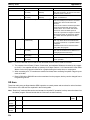
Ladder Symbols
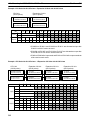
Operand Data Areas
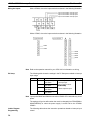
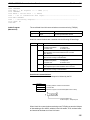
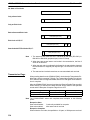
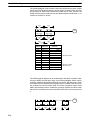
C1: Control data #1
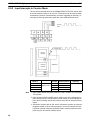
STIM(69)
@STIM(69)
C1
C1
C2
C2
C3
C3
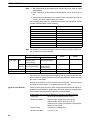
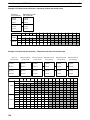
000 to 008, 010 to 012
C2: Control data #2
IR, SR, AR, DM, HR, TC, LR, #
C3: Control data #3
IR, SR, AR, DM, HR, TC, LR, #
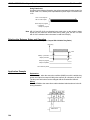
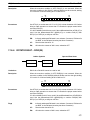
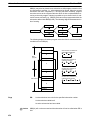
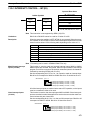
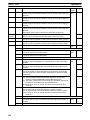
Note STIM(69) is an expansion instruction in the CPM2A/CPM2C and SRM1(-V2).
The function code 69 is the default setting and can be changed if desired.
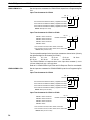
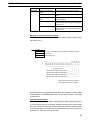
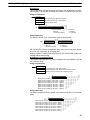
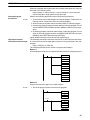
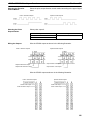
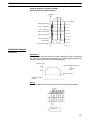
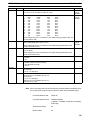
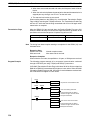
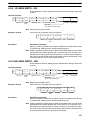
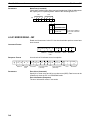
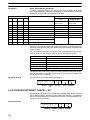
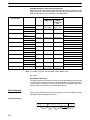
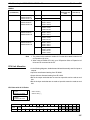
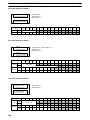
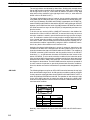
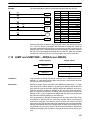
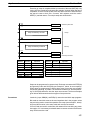
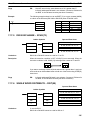
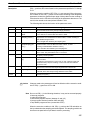
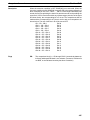
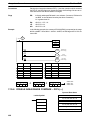
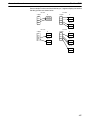
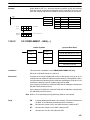
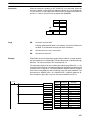
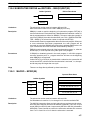
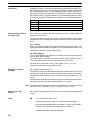
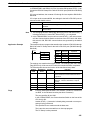
Limitations
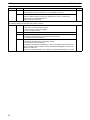
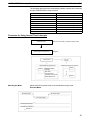
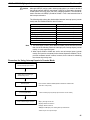
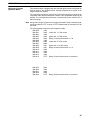
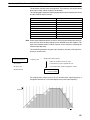
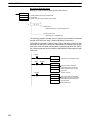
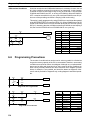
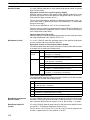
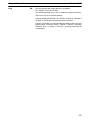
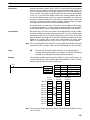
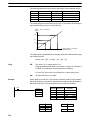
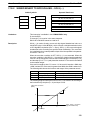
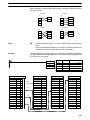
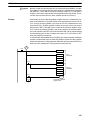
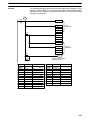
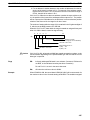
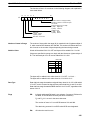
C1 must be 000, 003, 006. or 010.
If C1 is 000 or 003, C3 represents a BCD subroutine number up to 0049.
If C1 is 006, constants cannot be used for C2 or C3.
If C1 is 010, both C2 and C3 must be set to 000.
475