1
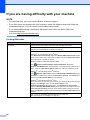
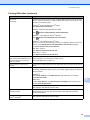
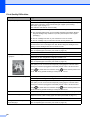
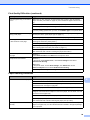
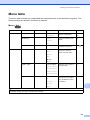
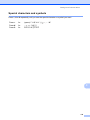
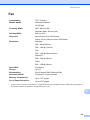
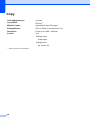
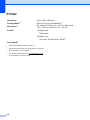
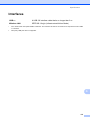
Settings and features tables
Level1
Level2
Level3
Options
Descriptions
Page
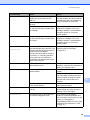
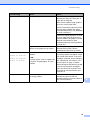
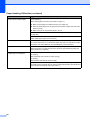
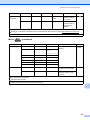
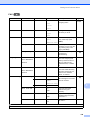
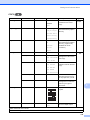
Scan to OCR
Set with Panel
—
Off
(Set with PC)*
If you want to use the
control panel to change
the machine’s settings,
choose On.
See
(Available after
Presto!
PageManager is
downloaded for
Macintosh users.
See Accessing
Brother Support
(Macintosh)
on page 5.)
On
.
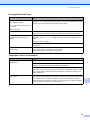
The settings below will appear when On is selected in Set with Panel.
Scan Type
—
Colour
Black and White*
Resolution
—
100dpi
200dpi*
You can choose the scan
type for your document.
You can choose the scan
resolution for your
document.
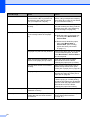
300dpi
600dpi
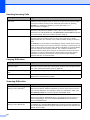
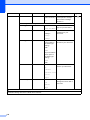
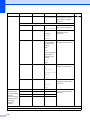
File Type
—
Text*
HTML
You can choose the file
format for your document.
RTF
Scan Size
—
A4*
A5
You can choose the scan
size for your document.
10x15cm
Business Card
Letter
Legal
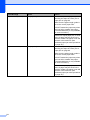
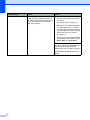
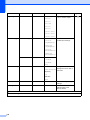
See Software and Network User’s Guide.
The default settings are shown in Bold with an asterisk.
C
113