1
ThinConnect4 Setting
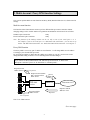
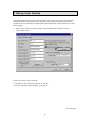
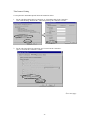
To setup the NAT and IP Masquerade follow the instructions below.
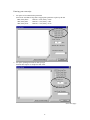
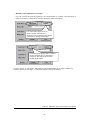
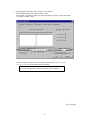
1. For the “ISP Networking Dial-Up connection” or “Networking Dial-Up IP Connection”.
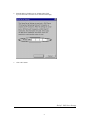
Click “Static Routing” button on the “Networking Dial-Up IP Connection” window.
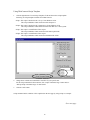
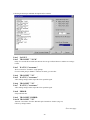
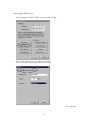
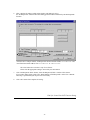
2. For the “ISP Leased Line IP Connection” and “Leased Line IP Connection”.
Open “Leased Line IP Connection” window.
Go to next page
32