1
Modifying Command
Files
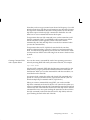
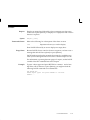
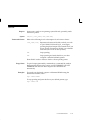
You can modify an existing command file in two ways:
•
using the EDIT command
•
using GET, the SQL*Plus editing commands, and SAVE
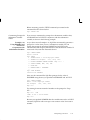
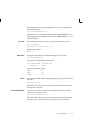
To edit an existing command file with the EDIT command, follow the
word EDIT with the name of the file. For example, to edit an existing
filenamed PROFIT that has the extension SQL, enter the following
command:
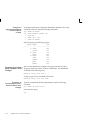
SQL> EDIT PROFIT
Remember that EDIT assumes the file extension SQL if you do not
specify one.
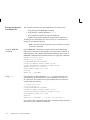
To edit an existing file using GET, the SQL*Plus editing commands, and
SAVE, first retrieve the file with GET, then edit the file with the
SQL*Plus editing commands, and finally save the file with the SAVE
command.
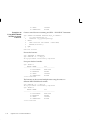
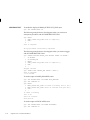
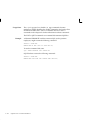
Note that if you want to replace the contents of an existing command file
with the command or block in the buffer, you must use the SAVE
command and follow the filename with the word REPLACE. For
example:
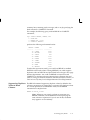
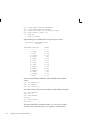
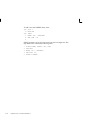
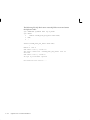
SQL> GET MYREPORT
1* SELECT * FROM EMP
SQL> C/*/ENAME, JOB
1* SELECT ENAME, JOB FROM EMP
SQL> SAVE MYREPORT REPLACE
Wrote file MYREPORT
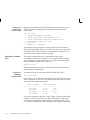
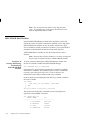
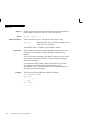
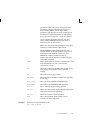
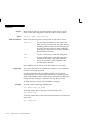
If you want to append the contents of the buffer to the end of an existing
command file, use the SAVE command and follow the filename with the
word APPEND:
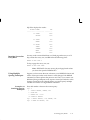
SQL> SAVE file_name APPEND
Exiting from a
Command File with a
Return Code
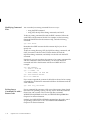
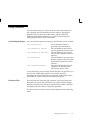
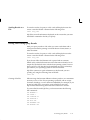
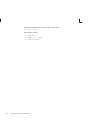
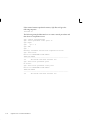
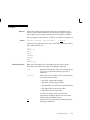
If your command file generates a SQL error while running from a batch
file on the host operating system, you may want to abort the command
file and exit with a return code. Use the SQL*Plus command
WHENEVER SQLERROR to do this; see WHENEVER SQLERROR in
Chapter 6 for more information.
Similarly, the WHENEVER OSERROR command may be used to exit if
an operating system error occurs. See WHENEVER OSERROR in
Chapter 6 for more information.
3–14
SQL*Plus User’s Guide and Reference