1
PRODUCT_USER_PROFILE Table
Various Oracle products use PRODUCT_USER_PROFILE, a table in the
SYSTEM account, to provide product-level security that supplements
the user-level security provided by the SQL GRANT and REVOKE
commands and user roles. (SET ROLE requires Oracle7.)
Overview
DBAs can use PRODUCT_USER_PROFILE to disable certain SQL and
SQL*Plus commands in the SQL*Plus environment on a per-user basis.
SQL*Plus—not Oracle—enforces this security. DBAs can even restrict
access to the GRANT, REVOKE, and SET ROLE commands to control
users’ ability to change their database privileges.
SQL*Plus reads restrictions from PRODUCT_USER_PROFILE when a
user logs in to SQL*Plus and maintains those restrictions for the
duration of the session. Changes to PRODUCT_USER_PROFILE will
only take effect the next time the affected users log in to SQL*Plus.
Creating the Table
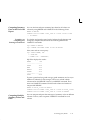
You can create PRODUCT_USER_PROFILE by running the command
file named PUPBLD with the extension SQL as SYSTEM. The exact
format of the file extension and the location of the file are system
dependent. See the Oracle installation and user’s manual(s) provided
for your operating system or your DBA for more information.
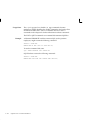
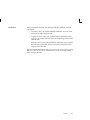
Note: If the table is created incorrectly, all users other than
SYSTEM will see a warning when connecting to Oracle that the
PRODUCT_USER_PROFILE information is not loaded.
Table Structure
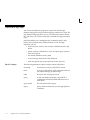
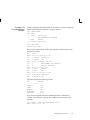
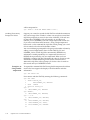
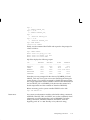
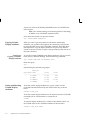
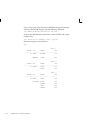
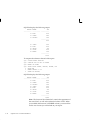
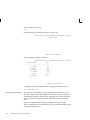
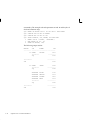
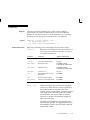
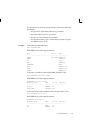
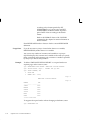
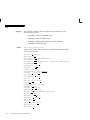
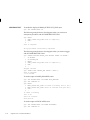
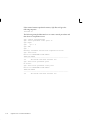
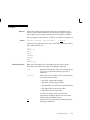
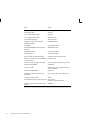
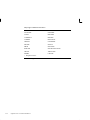
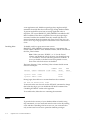
The PRODUCT_USER_PROFILE table consists of the following
columns:
PRODUCT
NOT NULL CHAR (30)
USERID
CHAR(30)
ATTRIBUTE
CHAR(240)
SCOPE
CHAR(240)
NUMERIC_VALUE
NUMBER(15,2)
CHAR_VALUE
CHAR(240)
DATE_VALUE
DATE
LONG_VALUE
LONG
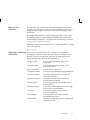
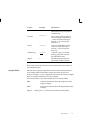
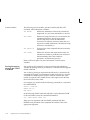
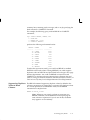
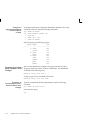
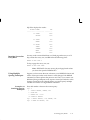
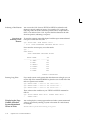
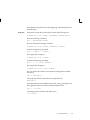
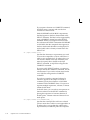
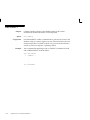
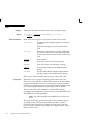
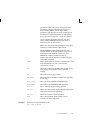
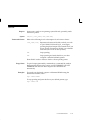
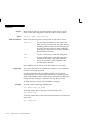
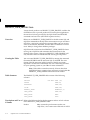
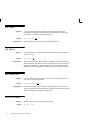
Description and Use of Refer to the following list for the descriptions and use of each column
in the PRODUCT_USER_PROFILE table:
Columns
Product
E–2
SQL*Plus User’s Guide and Reference
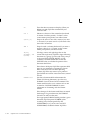
Must contain the product name (in this case
“SQL*Plus”). You cannot enter wildcards or NULL