1
Page 3-2
SINETZ 3.7 Tutorial
3 - Quick guide
3.2 - Settings
3.2 Settings
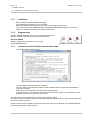
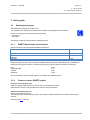
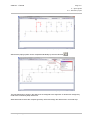
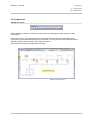
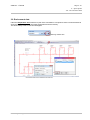
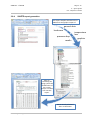
At first, in the menu Options| Settings general settings are made. The dialog window Settings is shown
automatically when a new system is opened.
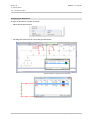
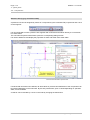
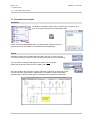
Pressure and mass units
Select the pressure and mass units. The automatic determination of zeta-values at branches can be
switched off.
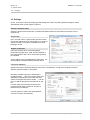
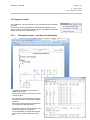
Project data
Put in an order name, a page header and the number
of lines per page and chose a language for your printer
output of results. The graphic is printed in the same
language as well.
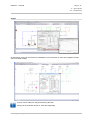
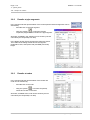
Graphic parameters
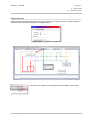
Got to the Graphic tab to control the graphic
parameters as paper size, scale, grid and settings of
text representation and colors. An isometric grid may
be activated.
These settings can be modified during the project. For
the example the standard settings are kept at first.
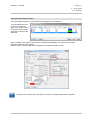
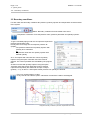
Load case definition
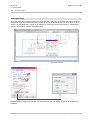
Define load cases in the dialog window Load Cases. The definition of load cases enables to analyze
different operation states in one system.
Boundary conditions (pressure, temperature,
quantity injection, ...) are given to each load case
separately. Depending on load cases the zetavalues of components (valves, shutter, ...) can be
put in as well as pumps may be switched on and
off.
For each load case a medium as well as the
precision grade and the maximum number of
iterations may be defined.
If a new system is created, the dialog window
load case is shown automatically.
www.rohr2.com
SIGMA Ingenieurgesellschaft mbH