1
CHAPTER 36: DSP Menu: Audio-to-MIDI™ and MIDI-to-Audio™
•
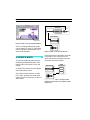
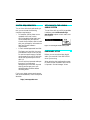
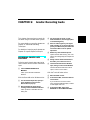
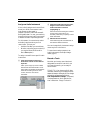
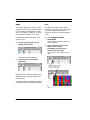
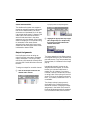
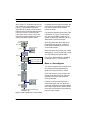
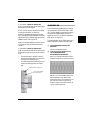
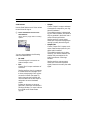
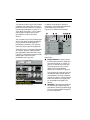
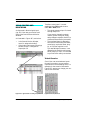
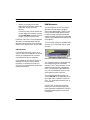
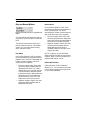
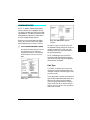
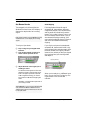
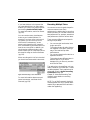
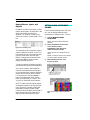
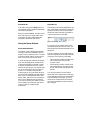
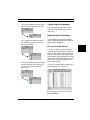
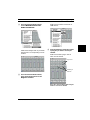
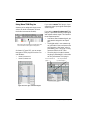
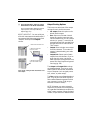
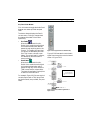
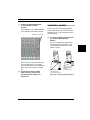
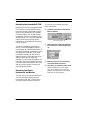
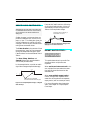
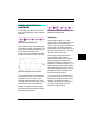
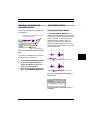
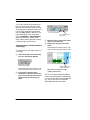
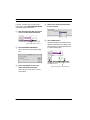
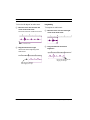
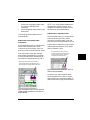
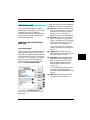
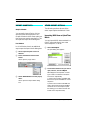
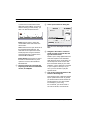
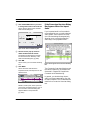
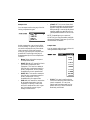
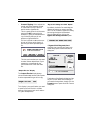
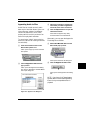
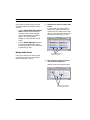
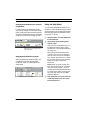
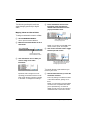
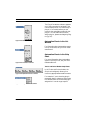
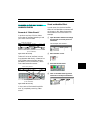
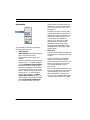
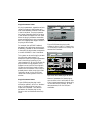
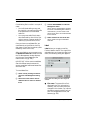
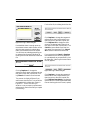
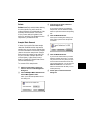
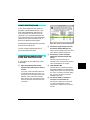
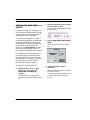
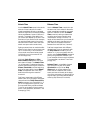
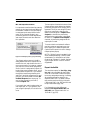
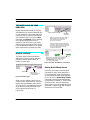
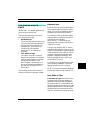
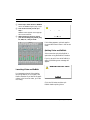
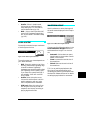
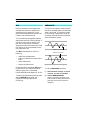
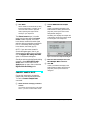
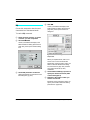
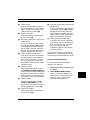
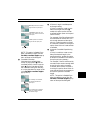
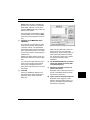
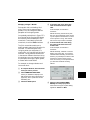
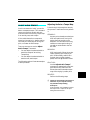
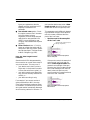
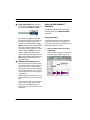
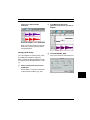
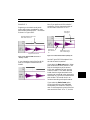
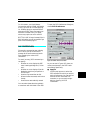
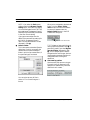
Spurious note is a different pitch
than the “real” note:
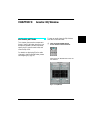
Spurious note of different pitch
(created by ÒdirtyÓ attack)
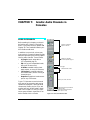
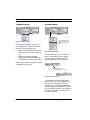
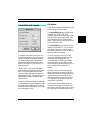
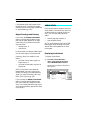
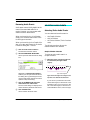
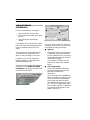
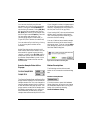
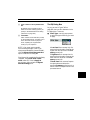
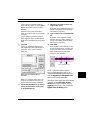
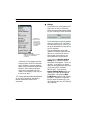
Using the “Use Selected Notes” Options
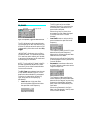
If you check the Use selected notes
option, Vision will not extract MIDI note
values from the audio data—instead,
Vision uses existing MIDI notes, and it
creates other types of MIDI data, which it
applies to those existing notes.
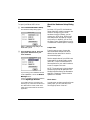
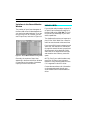
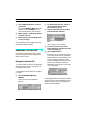
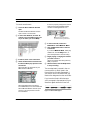
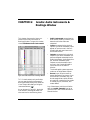
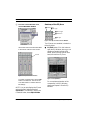
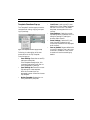
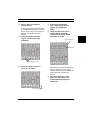
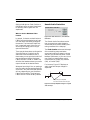
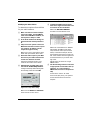
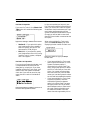
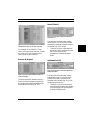
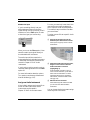
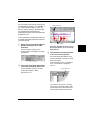
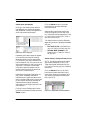
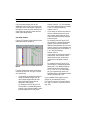
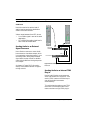
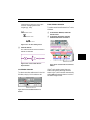
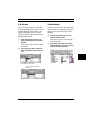
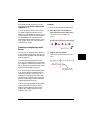
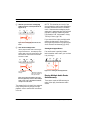
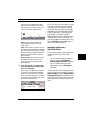
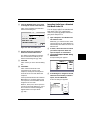
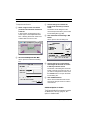
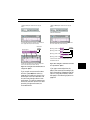
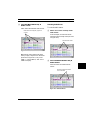
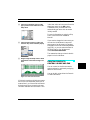
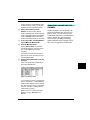
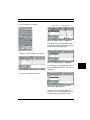
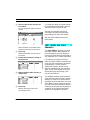
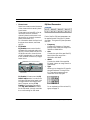
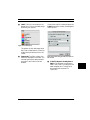
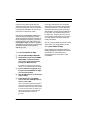
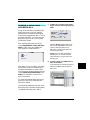
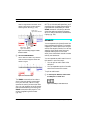
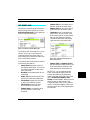
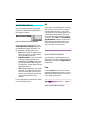
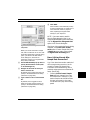
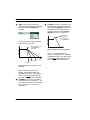
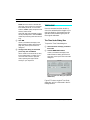
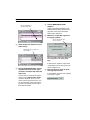
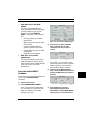
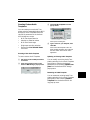
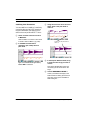
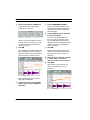
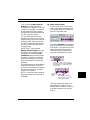
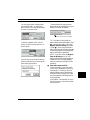
Figure 39.6: MIDI conversion w/spurious
note of different pitch
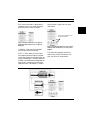
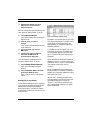
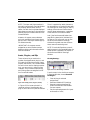
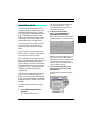
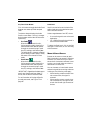
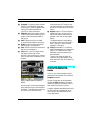
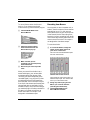
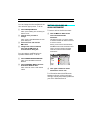
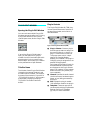
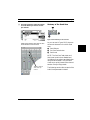
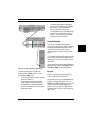
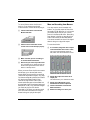
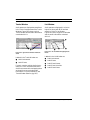
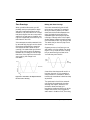
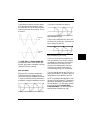
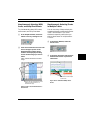
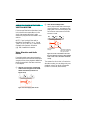
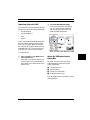
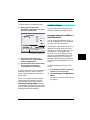
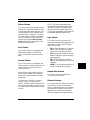
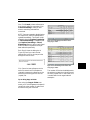
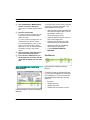
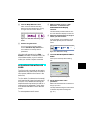
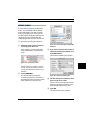
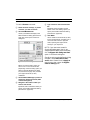
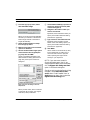
If the spurious note is a different pitch
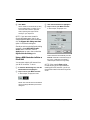
than the second “real” note, and you
select a Note length exceeds value
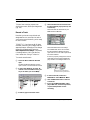
greater than the length of the spurious note, then Vision ignores the
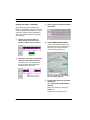
spurious note and creates a single
MIDI note that begins and ends at the
times dictated by the “real” note.
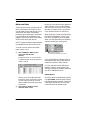
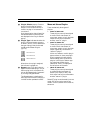
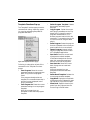
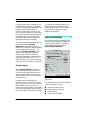
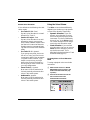
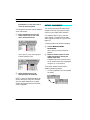
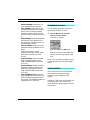
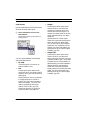
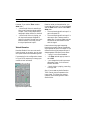
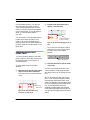
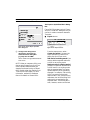
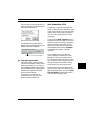
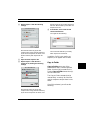
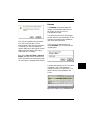
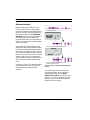
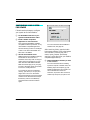
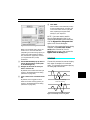
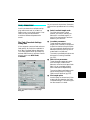
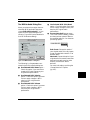
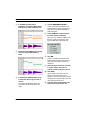
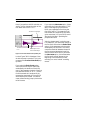
If you check the Use selected notes
option, Vision produces a second option
called Generate new velocities.
•
•
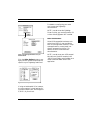
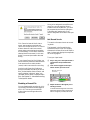
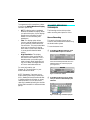
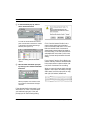
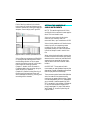
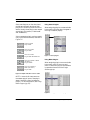
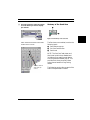
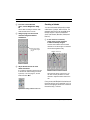
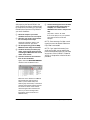
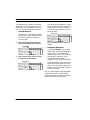
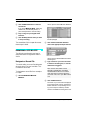
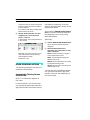
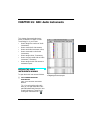
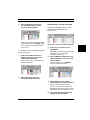
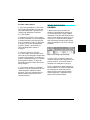
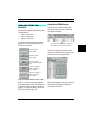
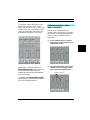
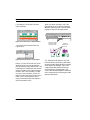
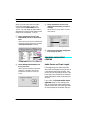
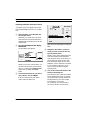
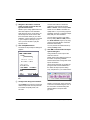
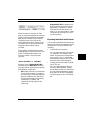
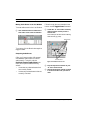
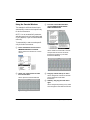
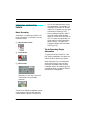
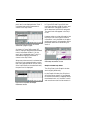
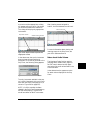
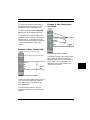
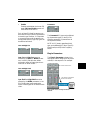
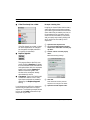
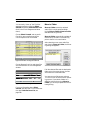
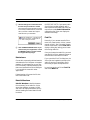
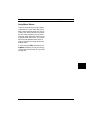
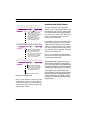
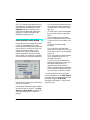
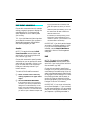
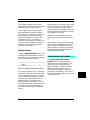
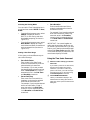
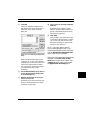
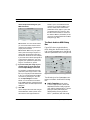
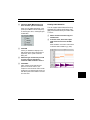
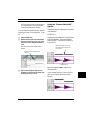
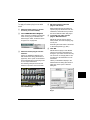
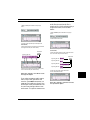
Figure 39.7: MIDI conversion w/spurious
note removed
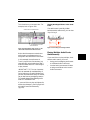
If you check this option, Vision analyzes the dynamics of the audio and
replace the velocities of your existing
MIDI notes with those it derives from
the audio data.
If you un-check this option, Vision
uses the velocity values of your existing MIDI notes instead of those it
derives from the audio data.
The following examples illustrate why
these parameters are helpful and how to
use them.
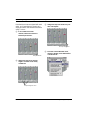
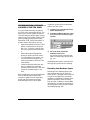
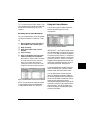
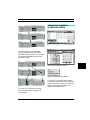
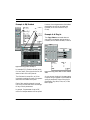
EXAMPLE 1: “Wailing”
Assume you have a recording of a flowing,
passionate, coloratura vocal performed in
a non-western scale (such as some
middle-eastern vocals). If you’d like to
convert that vocal to MIDI data and play it
on a synthesizer, you’ll need to forget
about generating MIDI notes—there basically aren’t any.
Vision & Studio Vision Pro — Audio Reference Manual
403