1
FDRPAS SWAP JCL, ST A T E ME N T S , EXA MPL E S , A N D ISPF IN T E RF A CE
MONITOR SWAP EXAMPLES
MONITOR A RANGE
OF TARGET
DEVICES
EXAMPLE #1
310.23
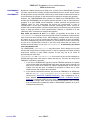
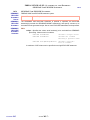
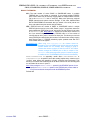
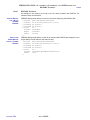
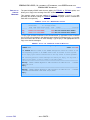
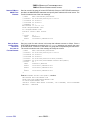
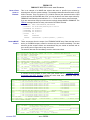
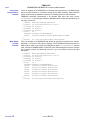
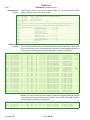
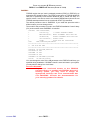
Monitor range 24E0-24EF of offline potential FDRPAS target devices (any devices in the range
that are not offline or are not DASD are ignored). FDRPAS periodically checks each of those
devices to see if an FDRPAS SWAP task has started on another system image that is using
the device as a target. If so, it starts a separate MONITOR task to assist the SWAP task by
monitoring this system image for updates to the original volume during the copy process, and
by switching all I/O activity to the new device when the swap is complete. Once all swaps on
this range of offline devices have been completed, you can terminate the MONITOR task with
console command P MON2. However, if every offline device in the range is now online
(completed swap) the MONITOR task terminates automatically.
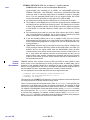
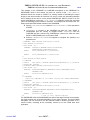
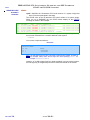
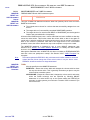
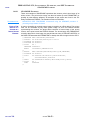
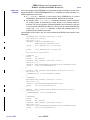
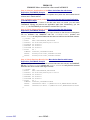
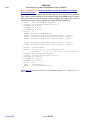
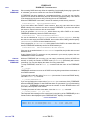
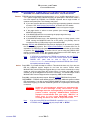
S PASPROC.MON2,PARM='MONITOR TYPE=SWAP/MOUNT SU=24E*'
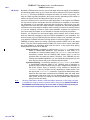
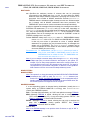
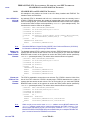
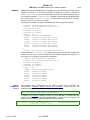
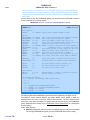
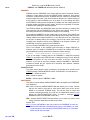
If your systems are part of a sysplex (basic or parallel), you can use the console ROUTE
command to start MONITOR tasks on all systems in the sysplex. This can considerably
reduce the amount of typing required. For example:
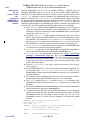
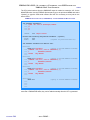
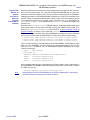
ROUTE T=0,*OTHER,S PASPROC.MON2,PARM='MONITOR TYPE=SWAP/MOUNT SU=24E*'
starts the MONITOR task on all other systems in the sysplex (*OTHER assumes that you
start the SWAP task on this system, use *ALL to start the MONITOR task on all systems).
If you have systems that are not part of the sysplex, you need to manually start the
MONITOR task on each of them.
MONITOR A RANGE
OF TARGET
DEVICES
EXAMPLE #2
NOTE:
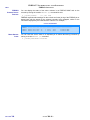
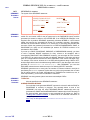
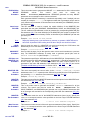
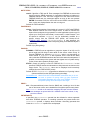
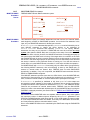
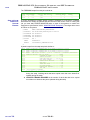
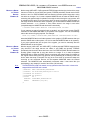
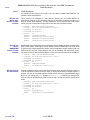
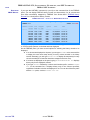
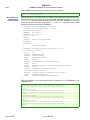
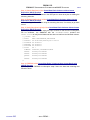
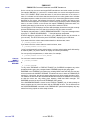
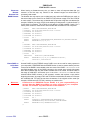
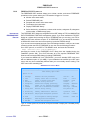
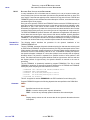
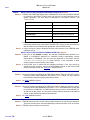
Monitor ranges (1A00-1AFF and 1B00-1BFF) of offline potential FDRPAS target devices
(any devices in the range that are not offline or not DASD are ignored). FDRPAS
periodically checks each of those devices to see if an FDRPAS SWAP task has started on
another system image that is using the device as a target. If so, it starts a separate
MONITOR task to assist the SWAP task by monitoring this system image for updates to
the original volume during the copy process, and by switching all I/O activity to the new
device when the swap is complete. As long as no more than 64 concurrent swaps are
occurring on the monitored devices, all the separate MONITOR tasks are internal
subtasks. The MONITOR task automatically terminates when it has been idle (not
participating in any swaps) for a total of two hours (120 minutes).
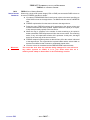
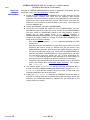
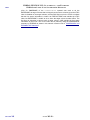
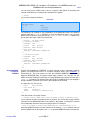
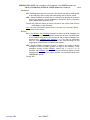
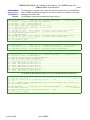
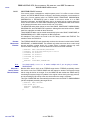
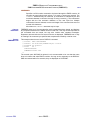
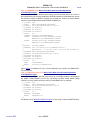
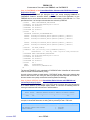
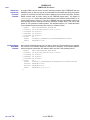
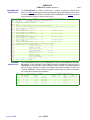
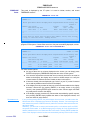
This MONITOR task needs to be started on every system that has access to the volumes to be
swapped before the SWAP task is started.
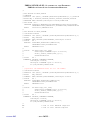
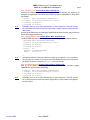
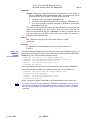
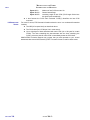
//MONITOR
//STEPLIB
//SYSPRINT
//SYSUDUMP
//SYSIN
MONITOR
MOUNT
/*
CHAPTER
310
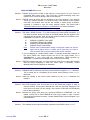
EXEC PGM=FDRPAS,REGION=0M
DD DISP=SHR,DSN=fdrpas.loadlib
DD SYSOUT=*
DD SYSOUT=*
DD *
TYPE=SWAP,DURATION=120
SWAPUNIT=(1A*,1B*)
– PAGE 310-55 –