1
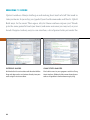
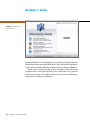
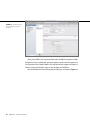
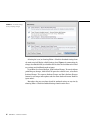
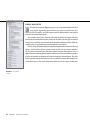
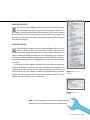
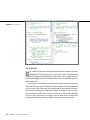
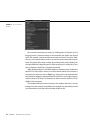
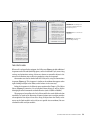
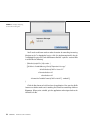
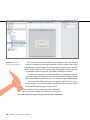
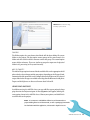
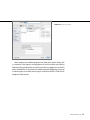
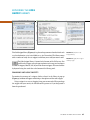
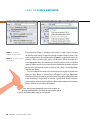
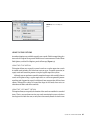
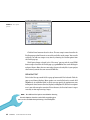
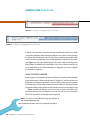
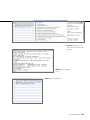
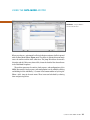
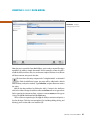
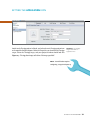
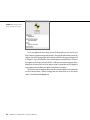
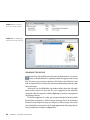
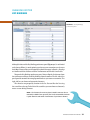
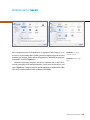
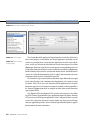
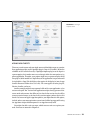
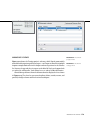
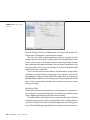
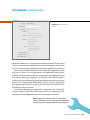
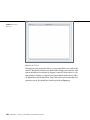
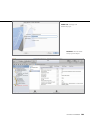
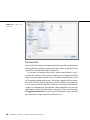
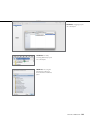
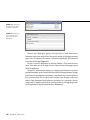
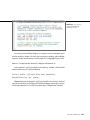
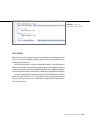
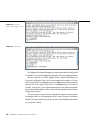
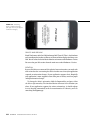
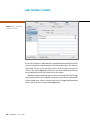
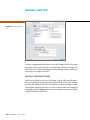
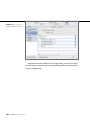
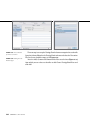
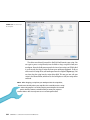
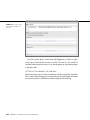
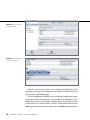
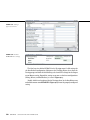
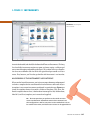
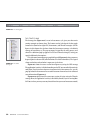
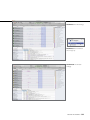
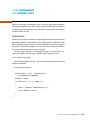
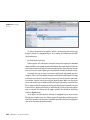
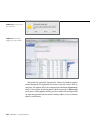
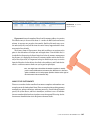
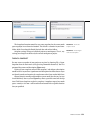
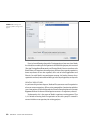
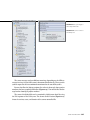
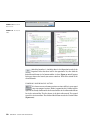
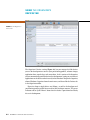
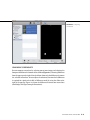
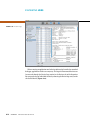
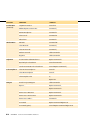
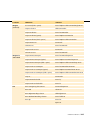
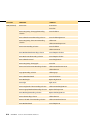
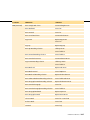
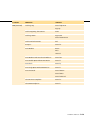
fiGURe 14 .21 The target
template sheet
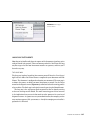
ADDING NEW TARGETS
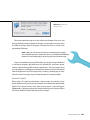
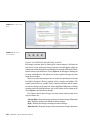
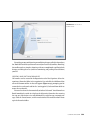
There are several reasons why you might want to add multiple targets to a project.
Your application might need a Spotlight plug-in (kept in its bundle’s Resources
subfolder so OS X can find it easily). A Spotlight importer plug-in can be kept in a
separate project, but it makes more sense to keep it within the same project as its
parent application. Therefore, your project might have a separate target to build
that plug-in (which would be a dependency of the application’s target and would
be included in a Copy Files build phase that copies the built plug-in into the app
bundle’s Resources folder when it is built). The same applies to other plug-ins,
libraries, bundles, and so on.
Another example might be two separate builds of the same application: a free
version and a paid “Pro” version. Both applications might share 95 percent of the
source code and resources but differ only in that the Pro version has the ability
to access certain features, or in that the free version expires 30 days after its first
launch. Or, because of Apple’s App Store policies, you might choose to link against,
include, and use your own registration system in one build of your app, while using
the App Store receipt validation process in an App-Store-only build.
You might also add a unit test target, which executes unit tests against your
code. Unit tests are covered in Chapter 18.
WorkIng WItH targets
175