1
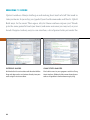
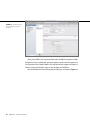
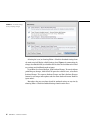
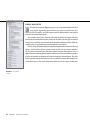
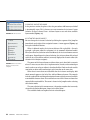
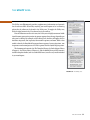
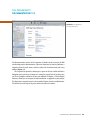
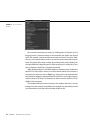
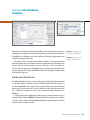
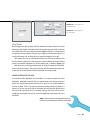
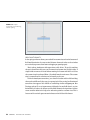
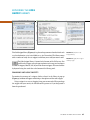
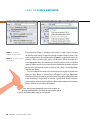
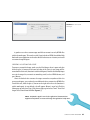
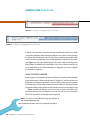
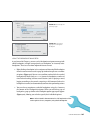
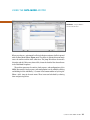
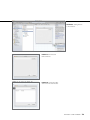
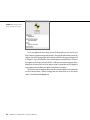
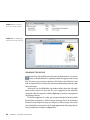
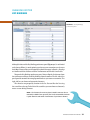
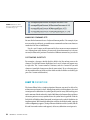
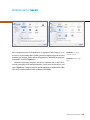
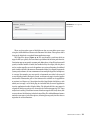
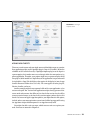
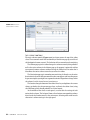
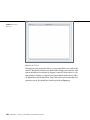
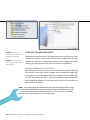
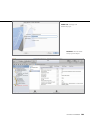
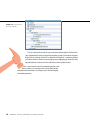
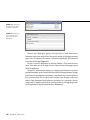
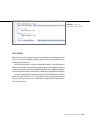
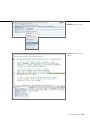
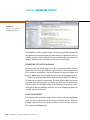
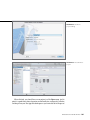
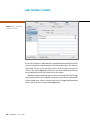
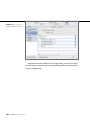
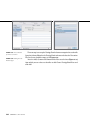
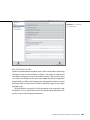
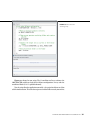
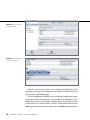
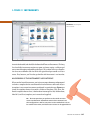
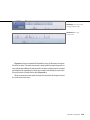
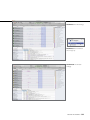
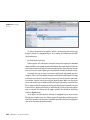
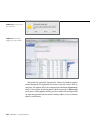
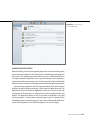
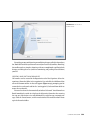
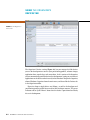
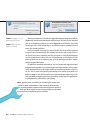
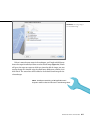
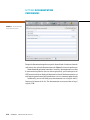
Figure A.6 Comparing
screenshots
cOmpAring screenshOts
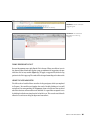
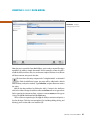
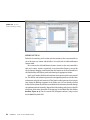
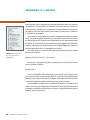
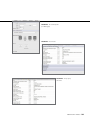
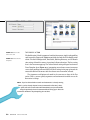
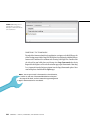
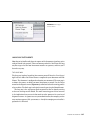
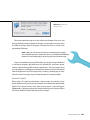
You can compare screenshots by selecting two or more images and selecting the
Compare check box at the bottom of the window (Figure A.6). Choosing Difference
from the pop-up to the right of the check box shows only the differences between
the selected screenshots. You can adjust the tolerance (how much of a difference
is required for a pixel to be visible in Difference mode) by using the slider to the
right of the pop-up. Figure A.6 shows the difference between two screenshots
(dock badges and signal strength fluctuations).
Managing Device ScreenShotS
A-9