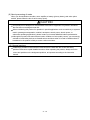
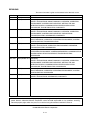
5. COMMUNICATION DRIVER INSTALLATION PROCEDURE
From preceding page
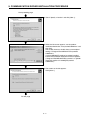
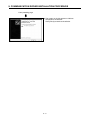
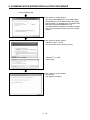
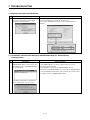
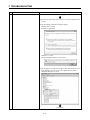
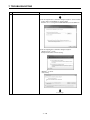
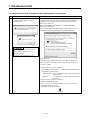
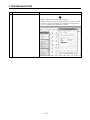
7) The screen on the left appears and the driver
installation starts.
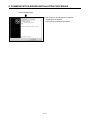
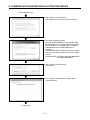
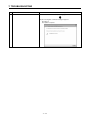
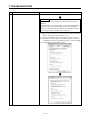
8) The screen on the left appears to indicate
completion of installation.
Click [Close] to terminate installation.
5−8