1
I D C
D O C U M E N T A T I O N
Te c h n i c a l I n s t r u c t i o n s
Chapter 2:
Operational Procedures
▼
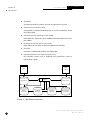
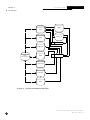
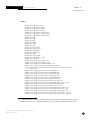
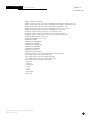
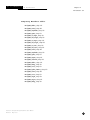
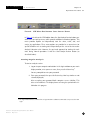
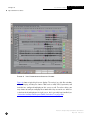
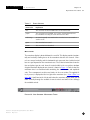
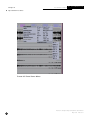
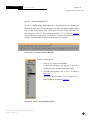
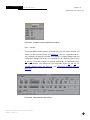
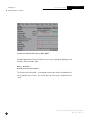
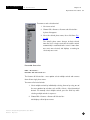
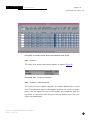
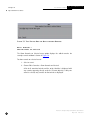
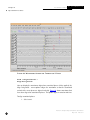
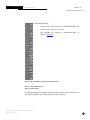
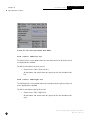
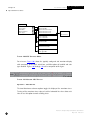
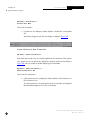
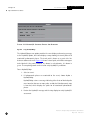
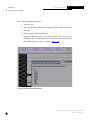
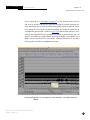
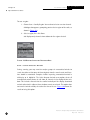
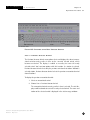
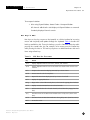
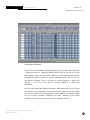
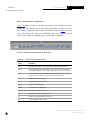
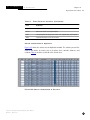
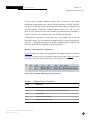
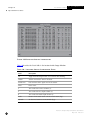
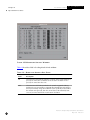
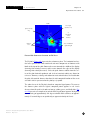
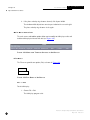
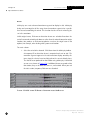
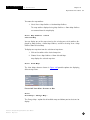
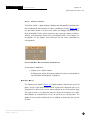
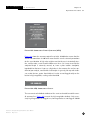
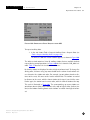
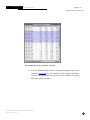
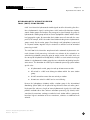
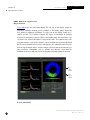
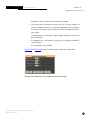
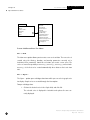
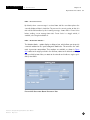
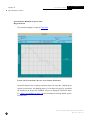
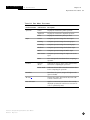
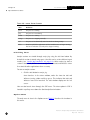
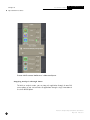
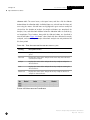
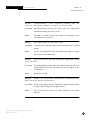
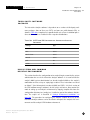
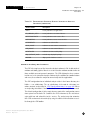
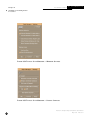
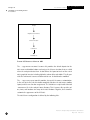
F IG U R E 166.S T A T I ON - S PE CI F I C P ARAM E TE R W I N D OW
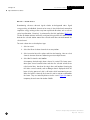
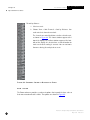
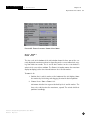
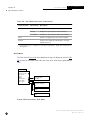
Edit > Parameters
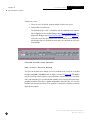
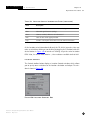
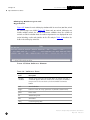
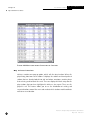
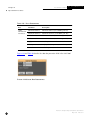
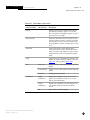
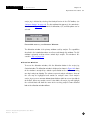
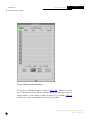
XfkDisplay uses a set recipe when performing a calculation. Recipes are referenced
from the Edit > Stations parameters by the fktype entry. The Parameters option
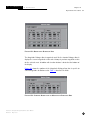
allows you to edit the recipe parameters used by XfkDisplay to compute azimuth
and slowness. System defaults for these parameter values are specified in parameter files, which XfkDisplay reads on startup. The XfkDisplay man page provides
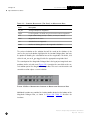
details on all recipe parameters that you can set interactively.
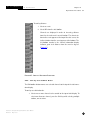
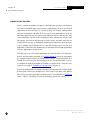
Changing the fktype parameter renames the recipe, and the original name is lost. If
the Edit > Stations fktype reference is not found, the FK computation fails. Also,
you cannot reset a recipe back to its original values.
Interactive Analysis Subsystem Software User Manual
IDC-6.5.1
May 2001
213