1
I D C
Chapter 2:
▼
D O C U M E N T A T I O N
Te c h n i c a l I n s t r u c t i o n s
Operational Procedures
–
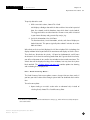
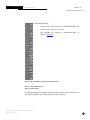
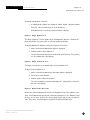
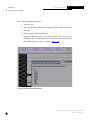
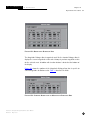
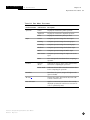
Middle-click on either side of the slider to position the slider at the
clicked position.
–
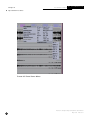
Use the right and left-arrow keyboard keys to increment or decrement the least significant digit in the filter value for very fine tuning.
n
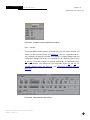
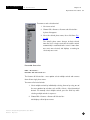
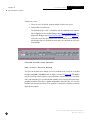
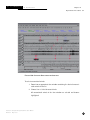
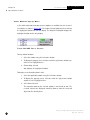
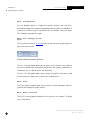
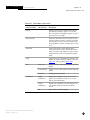
The filter order or number of poles determine the steepness of the flanks
of the passband. Use the Poles slider to set up to an eighth order filter.
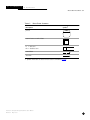
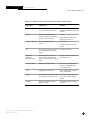
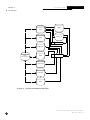
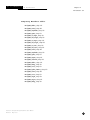
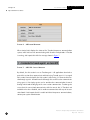
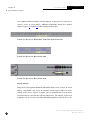
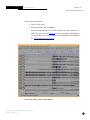
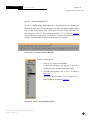
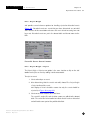
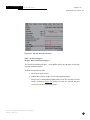
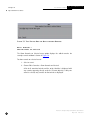
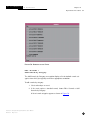
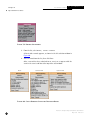
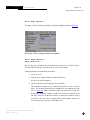
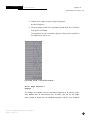
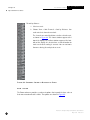
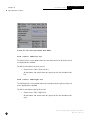
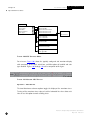
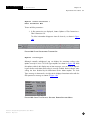
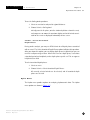
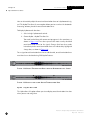
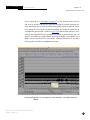
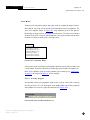
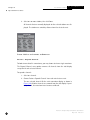
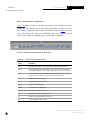
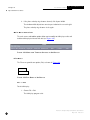
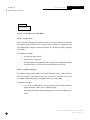
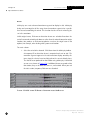
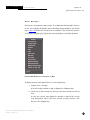
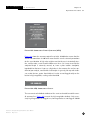
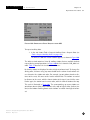
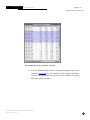
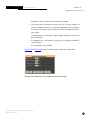
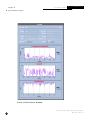
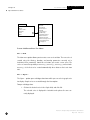
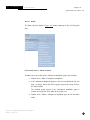
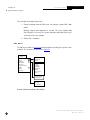
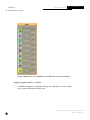
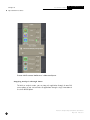
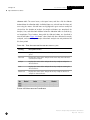
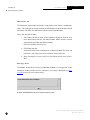
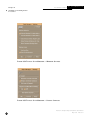
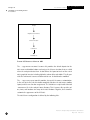
Use the option button to control the type of filter. The choices are band
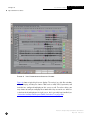
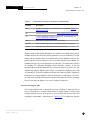
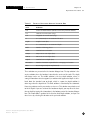
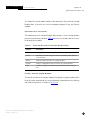
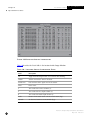
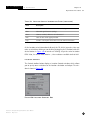
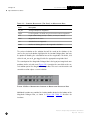
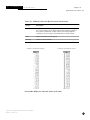
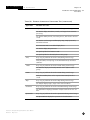
pass, low pass, high pass, and band reject filter, as shown in Figure 89.
n
The Filter Causality button provides the choice between causal and noncausal filter.
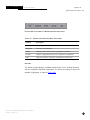
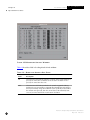
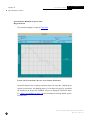
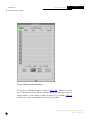
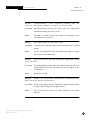
F I G U R E 89. F IL T E R T Y P E S
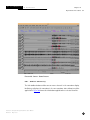
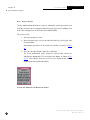
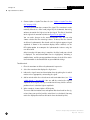
3. When you have set all parameters, click Done.
The edited filter is then available for use.
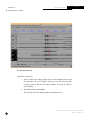
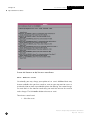
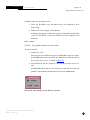
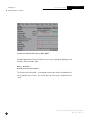
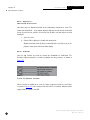
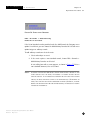
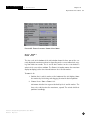
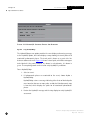
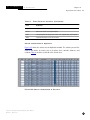
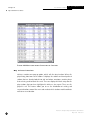
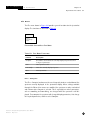
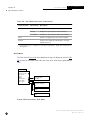
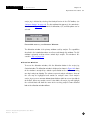
If the filter list is displayed at the time you edit the individual filters, you must
undisplay the filter list and redisplay it for the edits to take effect. To undisplay the
list and then redisplay it, click Done or Cancel on the filter list, then choose View >
Filter > Show Filter List…
Interactive Analysis Subsystem Software User Manual
110
May 2001
IDC-6.5.1