1
I D C
Chapter 2:
▼
D O C U M E N T A T I O N
Te c h n i c a l I n s t r u c t i o n s
Operational Procedures
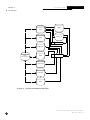
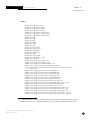
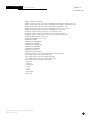
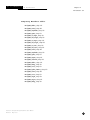
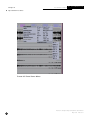
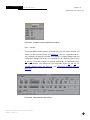
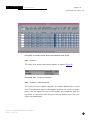
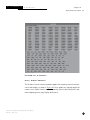
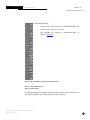
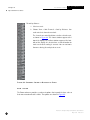
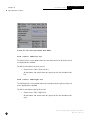
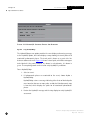
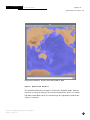
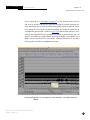
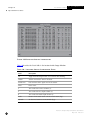
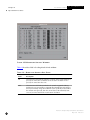
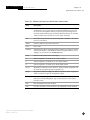
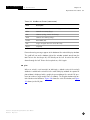
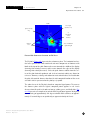
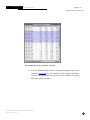
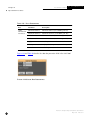
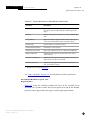
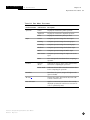
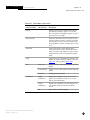
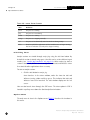
F I G U R E 116.L I S T
OF
S E I S M IC A RRI VAL R E M ARKS
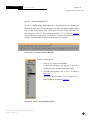
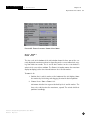
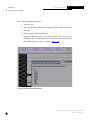
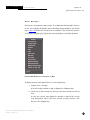
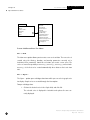
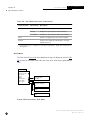
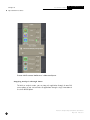
S e i s m i c > G o Te l e s e i s m i c
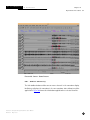
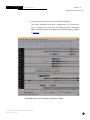
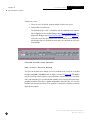
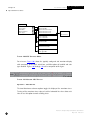
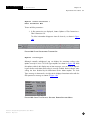
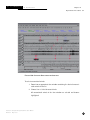
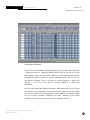
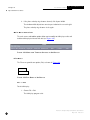
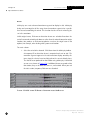
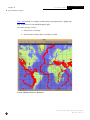
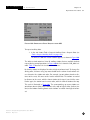
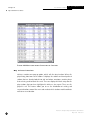
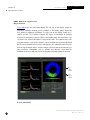
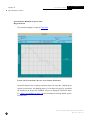
The Go Teleseismic menu option performs a sequence of operations. It zooms to
display all the arrivals associated to an event in one screen. It aligns on P phase and
sorts the stations by distance from the event.
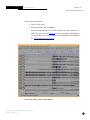
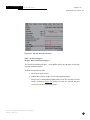
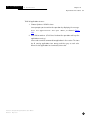
To use the Go Teleseismic operations:
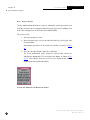
1. Select an event to be analyzed at teleseismic distances.
2. Choose Seismic > Go Teleseismic.
ARS aligns on the P phase, sorts the stations by distance from the event,
and finally compresses or zooms the waveform display so that all arrivals
for the event are displayed horizontally on one screen.
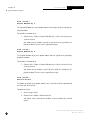
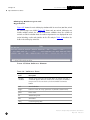
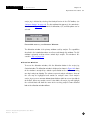
Seismic > Go Regional
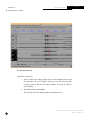
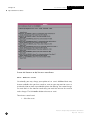
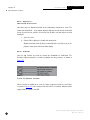
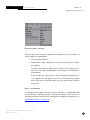
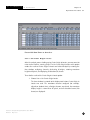
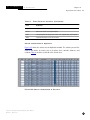
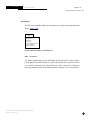
The Go Regional menu option performs a sequence of operations. It zooms to display all arrivals associated to an event in one screen. It aligns on the Pn phase and
sorts the stations by distance from the event.
Interactive Analysis Subsystem Software User Manual
150
May 2001
IDC-6.5.1