1
Data Mode
Release 6.0
2
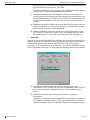
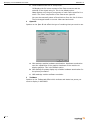
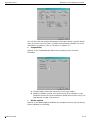
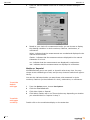
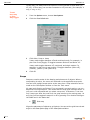
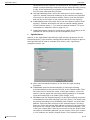
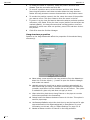
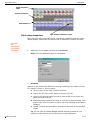
Display
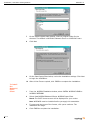
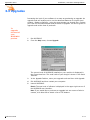
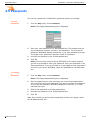
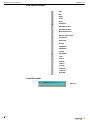
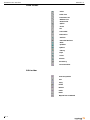
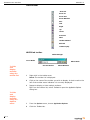
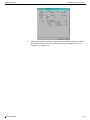
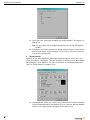
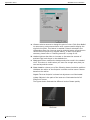
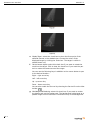
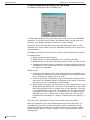
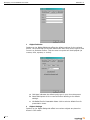
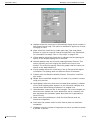
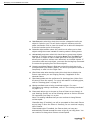
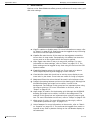
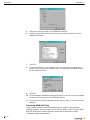
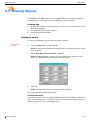
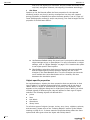
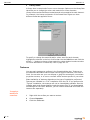
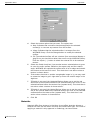
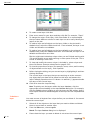
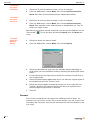
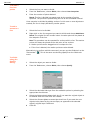
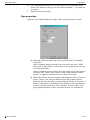
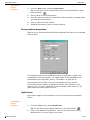
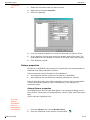
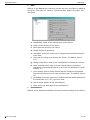
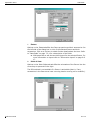
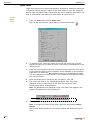
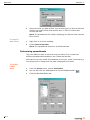
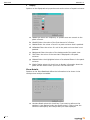
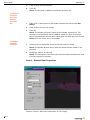
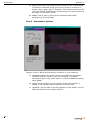
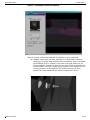
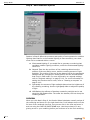
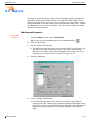
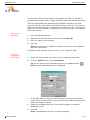
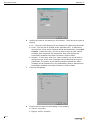
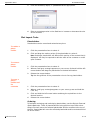
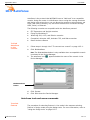
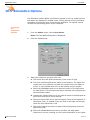
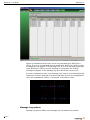
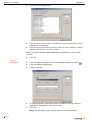
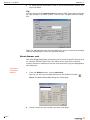
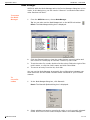
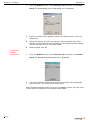
Options on the Display tab set properties such as the colour of a patch universe.
a. Updates per second: the frequency of updates from the console to the
patch universe.
b. StartCell Colour: the colour of the first channel of a fixture.
c. Patched Colour: the colour of a cell in a patch universe that is patched.
d. UnPatched Colour: the colour of a cell in the patch universe that is not
patched.
e. Background Colour: the colour of the background of the patch view.
f.
Text Colour: the colour of the text that is displayed in the patch
universe.
g. Selected Colour: the highlighted colour of a selected fixture in the patch
universe.
h. Enable Tooltips: select this check box to display information about the
patch and the fixture when you hover over the start cell.
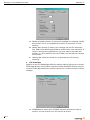
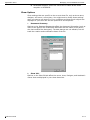
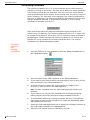
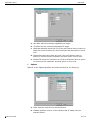
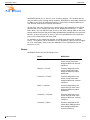
Show Details
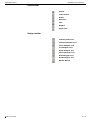
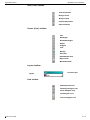
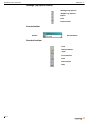
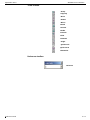
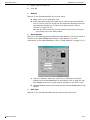
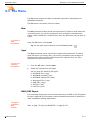
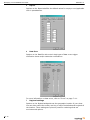
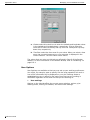
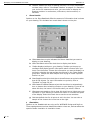
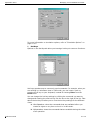
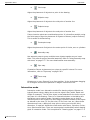
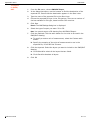
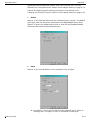
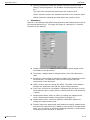
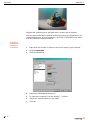
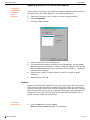
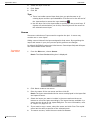
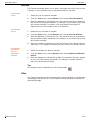
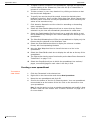
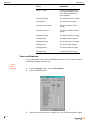
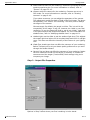
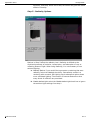
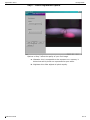
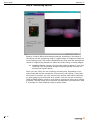
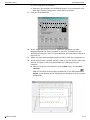
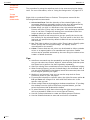
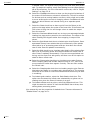
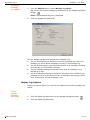
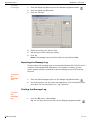
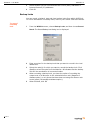
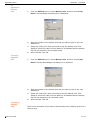
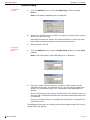
Options on the Show Details tab define the information to be shown in the
tooltips when tooltips is enabled.
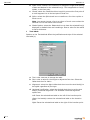
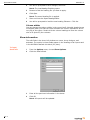
a. Use User Details: select this check box if you want to reference the
settings in User Options (under the Options menu). Click to clear the
check box and specify the tooltips that you want displayed.
7.3-4