1
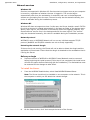
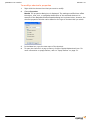
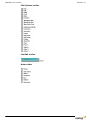
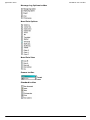
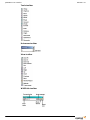
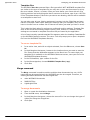
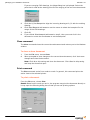
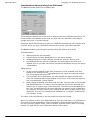
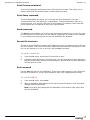
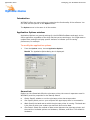
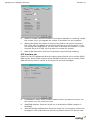
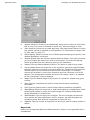
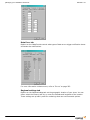
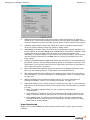
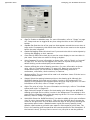
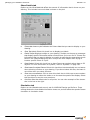
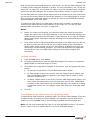
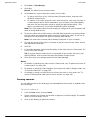
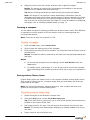
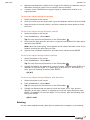
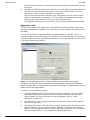
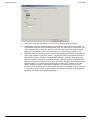
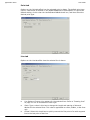
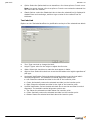
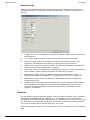
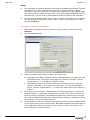
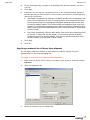
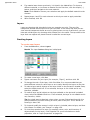
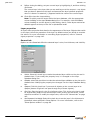
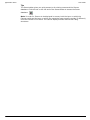
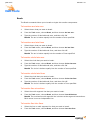
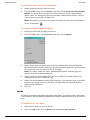
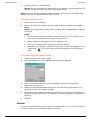
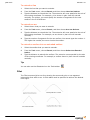
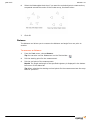
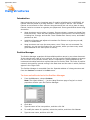
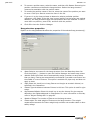
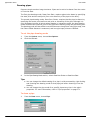
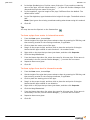
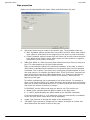
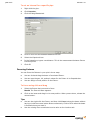
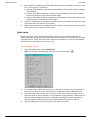
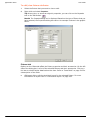
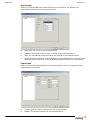
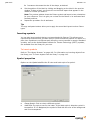
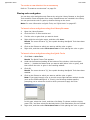
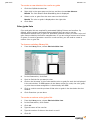
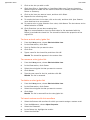
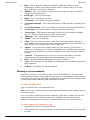
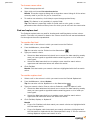
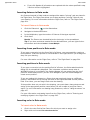
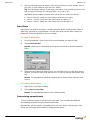
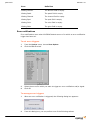
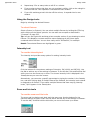
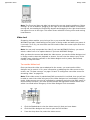
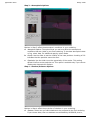
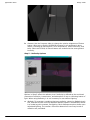
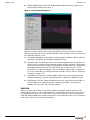
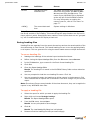
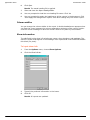
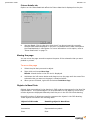
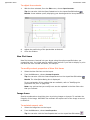
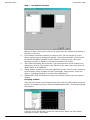
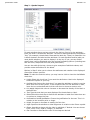
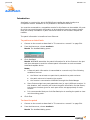
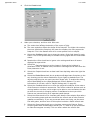
Data mode Release 14.0 Bind: Associates the patch universe to a console or device output. This applies only when a console or device has been inserted in the Device Manager. Unbind: Removes the association of the patch universe with the specified source. Tip: You can open the Device Manager without having to change to Live mode by double-clicking on the AF shortcut on the status bar. Display tab Options on the Display tab set properties such as the color of a patch universe. Updates per second: The frequency of updates from the console to the patch universe. StartCell Color: The color of the first channel of a fixture. Patched Color: The color of a cell in a patch universe that is patched. UnPatched Color: The color of a cell in the patch universe that is not patched. Background Color: The color of the background of the patch view. Text Color: The color of the text that is displayed in the patch universe. Selected Color: The highlighted color of a selected fixture in the patch universe. Enable Tooltips: Select this check box to display information about the patch and the fixture when you hover over the start cell. Show Details tab Options on the Show Details tab define the information to be shown in the tooltips when tooltips are enabled. 222 Use User Details: Select this check box to reference the settings in User Options (under the Options menu). Click to clear the check box and specify the tooltips that you want displayed.