1
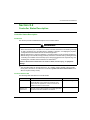
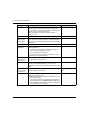
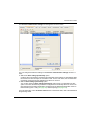
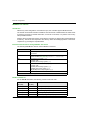
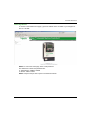
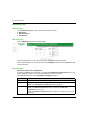
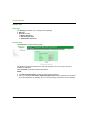
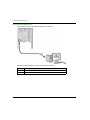
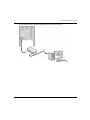
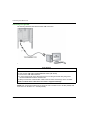
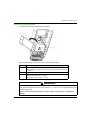
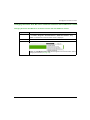
Altivar ATV IMC Drive Controller Connecting ATV IMC to a PC EIO0000000390 04/2014 Chapter 16 Connecting ATV IMC to a PC Connecting ATV IMC to a PC Connecting the Altivar ATV IMC Drive Controller to a PC Introduction To transfer and run applications, connect the Altivar ATV IMC Drive Controller to a PC with a properly installed version of SoMachine. You can connect the Altivar ATV IMC Drive Controller to the PC by means of two different ways: USB-cable Ethernet connection NOTE: To use the communication ports of the PC, stop the CoDeSys gateway by right-clicking the CoDeSys Gateway SysTray (running) icon from the taskbar and selecting the command Stop Gateway. This is mandatory if you want to use the Ethernet cable. The communication cable should be connected to the PC first to minimize the possibility of electrostatic discharge affecting the controller. NOTICE INOPERABLE EQUIPMENT Always connect the communication cable to the PC before connecting it to the controller. Failure to follow these instructions can result in equipment damage. NOTE: Only 1 controller should be connected to a computer at any given time. Do not connect multiple controllers simultaneously. EIO0000000390 04/2014 123