1
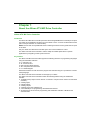
Ethernet Configuration
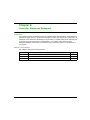
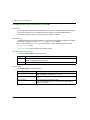
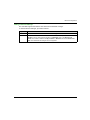
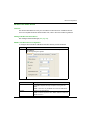
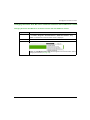
Adding an Ethernet Manager
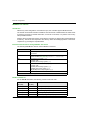
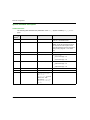
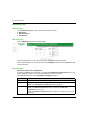
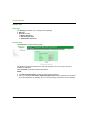
The controller supports the Modbus TCP Slave Device Ethernet manager.
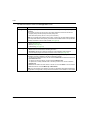
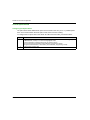
To add an Ethernet manager, proceed as follows:
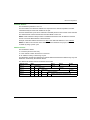
Step
Action
1
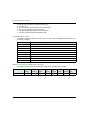
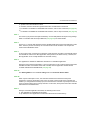
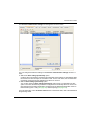
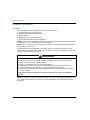
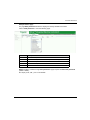
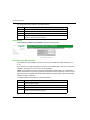
Select the Field Devices tab in the Software Catalog and click Modbus.
2
Select ModbusTCP Slave Device →ModbusTCP Slave Device (Vendor Schneider
Electric) in the list, drag-and-drop the item onto Ethernet node of the Devices tree.
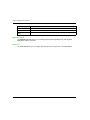
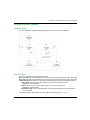
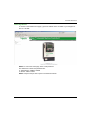
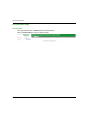
Result: The module is added to the My Controller →Ethernet area of the Devices tree.
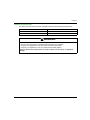
Note: The other Ethernet managers are not supported.
EIO0000000390 04/2014
83