1
!"#$%&'()%*+,,-.."/01.>=(..2134153/67.89:;<.=7.'(>>..?@(>."%
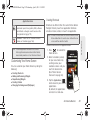
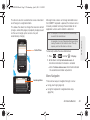
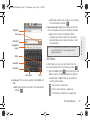
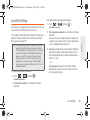
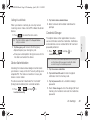
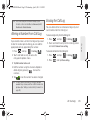
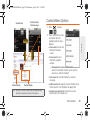
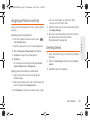
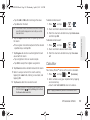
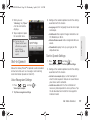
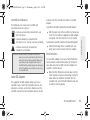
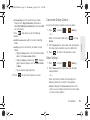
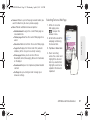
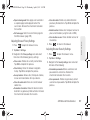
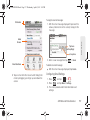
4. Tap Inbox to open your inbox.
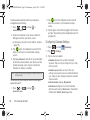
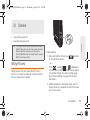
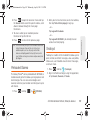
5. Press
and tap Compose.
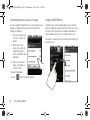
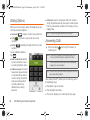
6. Enter the message recipient’s email address in the
To field.
If you are sending the email to several recipients,
separate the email addresses with a comma.
" You can add as many message recipients as you
want.
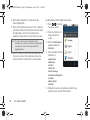
" Choose recipients from the following sources:
● Recent to access your list of recent contacts.
● Contacts to access your current Contacts
page.
● Search to search for a contact from within your
device.
"
Note: To send a carbon copy (Cc) or a blind carbon copy
(Bcc) of the current email to other recipients, tap the
Cc/Bcc fields.
7. Tap the Subject field and enter the email subject.
8. Tap the Compose Mail field and compose your
email.
160
3B. Web and Data Services
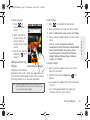
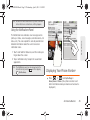
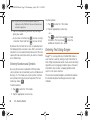
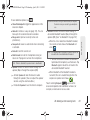
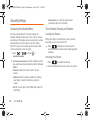
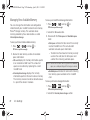
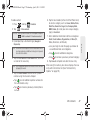
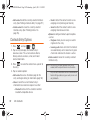
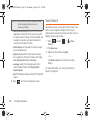
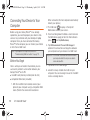
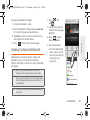
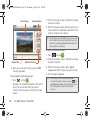
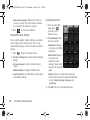
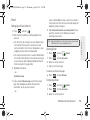
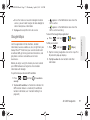
To add a file attachment, tap Attach (from the
bottom of the screen), select a File, Pictures,
Videos, Audio, Capture video, or Record audio,
and tap OK.
" Select the picture you want to attach.
" Tap
to delete a selected attachment from
your current email.
"
9. Once complete, tap Send.
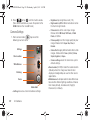
Tap
> Save as draft to save the current
email as a draft. To later view your draft email
messages, from the Inbox, tap the Drafts folder.
" To delete the current email message, tap Discard.
"
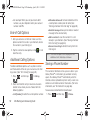
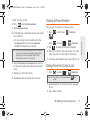
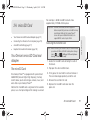
Adding Additional Internet Email Accounts
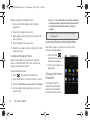
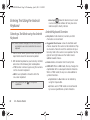
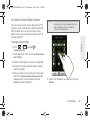
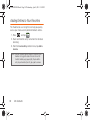
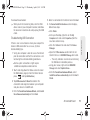
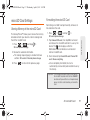
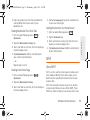
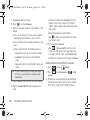
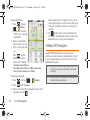
1. Press
and tap
2. Press
and tap Accounts >
account.
(Email).
> Add
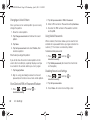
3. Follow the onscreen prompts to add additional
Internet-based email accounts such as Yahoo!,
Gmail, AOL, or other POP or IMAP accounts.
![Geneva Motor Show Highlights [p23] BMW starts using](http://vs1.manualzilla.com/store/data/005908572_1-3c7305169b56611097f3edc8348ebe76-150x150.png)