1
!"#$%&'()%*+,,-.."/01.>DA..2134153/67.89:;<.=7.'(>>..?@(>."%
"
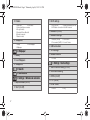
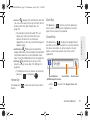
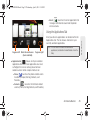
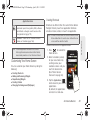
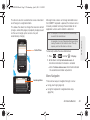
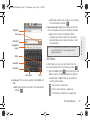
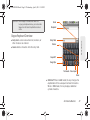
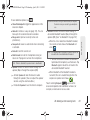
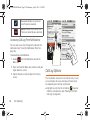
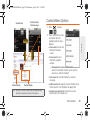
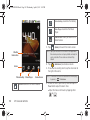
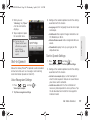
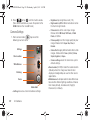
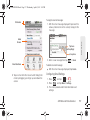
Places: displays categories of places in which to
"
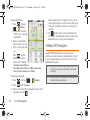
Maps & Traffic: displays a map of your current
navigate.
location. Also displays current traffic conditions for
this location.
" Local Apps: displays a list of local applications,
such as Movies, in which to search.
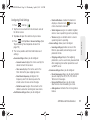
Getting Driving Directions
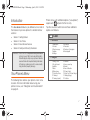
The built-in GPS hardware allows you to get driving
directions to selected locations or establishments
based on your current location.
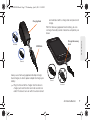
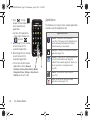
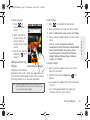
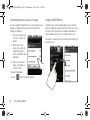
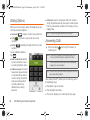
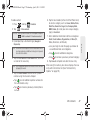
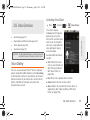
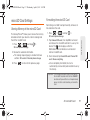
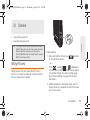
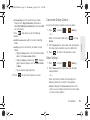
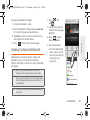
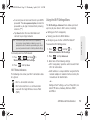
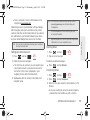
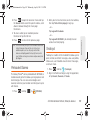
1. Press
2. Tap
and tap TeleNav GPS
.
and say a command.
– or –
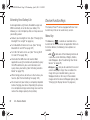
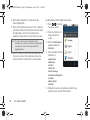
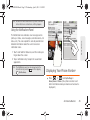
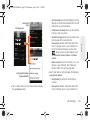
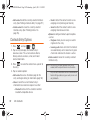
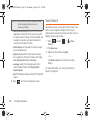
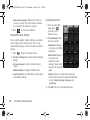
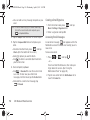
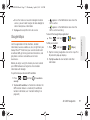
Tap Drive To and select one of the following:
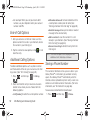
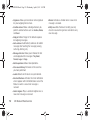
Set Up Home: establishes this address as your
home address or base from which to start or
return.
" My Favorites: displays a list of destinations
marked as your favorites. Select a destination in
which to navigate.
" Recent Places: displays a list or recently navigated
places. Select a location in which to navigate.
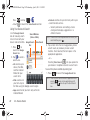
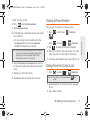
" Address: enter an address, city , State or ZIP to
drive to that location.
" Contacts: finds the address for the selected
contact (if the information is listed in the Contacts
list).
"
174
3D. GPS Navigation
![Geneva Motor Show Highlights [p23] BMW starts using](http://vs1.manualzilla.com/store/data/005908572_1-3c7305169b56611097f3edc8348ebe76-150x150.png)