1
PeopleSoft 9.0 Basics
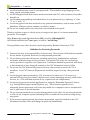
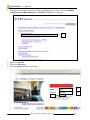
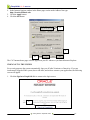
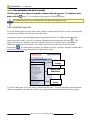
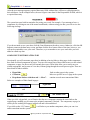
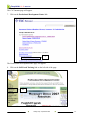
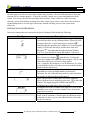
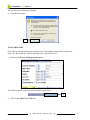
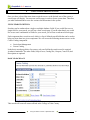
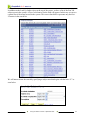
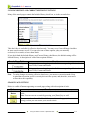
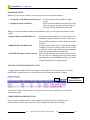
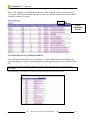
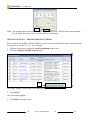
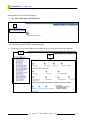
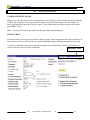
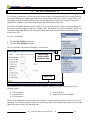
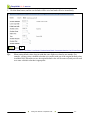
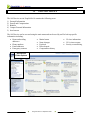
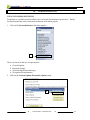
The new PeopleSoft 9.0 home page will display, as seen below:
Note:
Screen shots in this manual may include areas of the system where you do not have access.
Tip:
You may want to consider setting the CLC Intranet home page as a Favorite in Internet
Explorer, so that you can quickly access the PeopleSoft log in screen. For help with this,
refer to the “Working with Favorites in Internet Explorer” section of this manual.
Otherwise, you my want to make the CLC Intranet your home page on your PC, so that it
will automatically come up when you launch Internet Explorer. Instructions on setting up
the CLC Intranet as your home page follow.
SETTING UP THE CLC INTRANET AS YOUR HOME PAGE
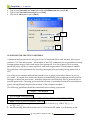
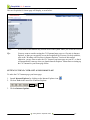
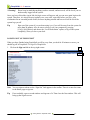
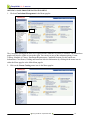
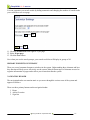
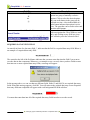
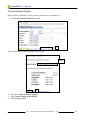
To make the CLC Intranet page your home page:
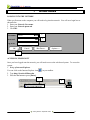
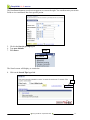
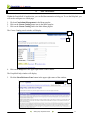
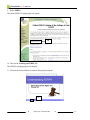
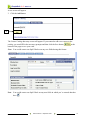
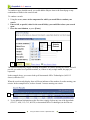
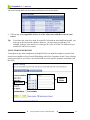
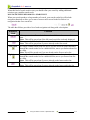
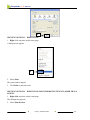
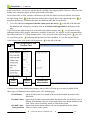
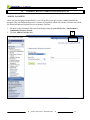
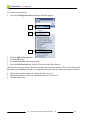
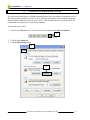
1. Launch Internet Explorer by clicking on the Internet Explorer icon,
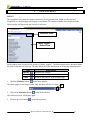
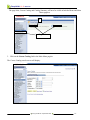
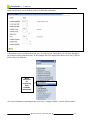
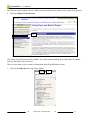
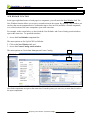
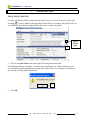
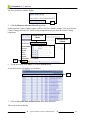
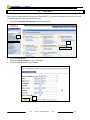
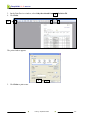
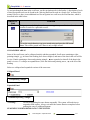
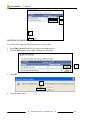
2. Click on Tools in the menu bar of Internet Explorer.
.
2
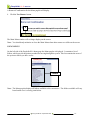
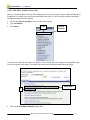
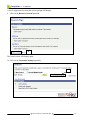
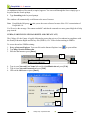
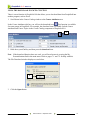
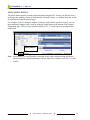
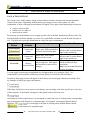
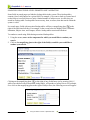
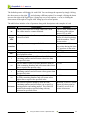
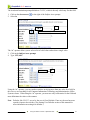
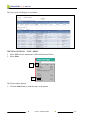
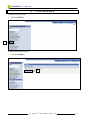
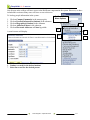
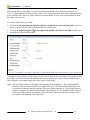
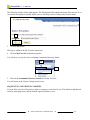
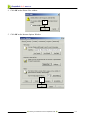
3. Click on Internet Options.
Getting Started y September 2008
2-5