1
PeopleSoft 9.0 Basics
3
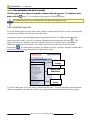
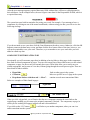
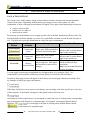
Note Any printed output from PeopleSoft pages will be displayed as a .pdf file in the reports manager.
It is no longer necessary to go to a ‘Reports Drive’ to get output.
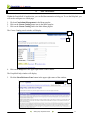
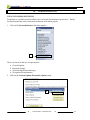
PRINTING OPTION #2 – PRINTER FRIENDLY VERSION
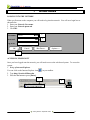
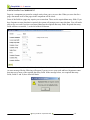
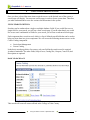
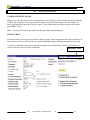
Some windows will include a “Printer Friendly Version” button. This button will allow you to preformat
the screen to fit on an 8-1/2” x 11” piece of paper.
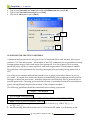
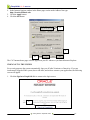
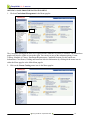
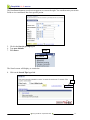
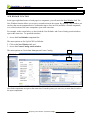
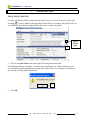
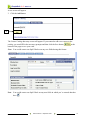
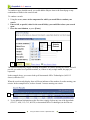
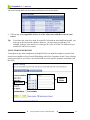
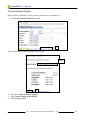
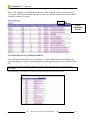
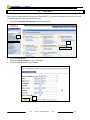
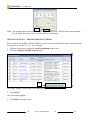
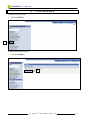
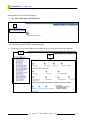
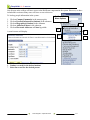
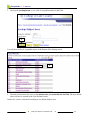
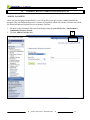
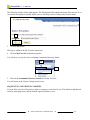
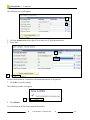
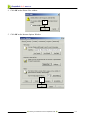
1. While the class roster is displayed, scroll to the bottom of the roster.
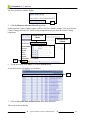
2. Click on the Printer Friendly Version button.
2
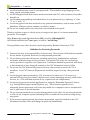
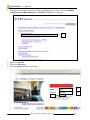
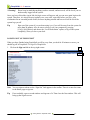
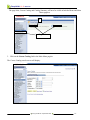
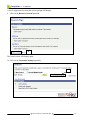
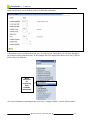
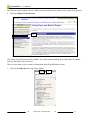
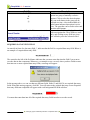
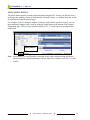
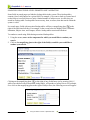
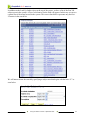
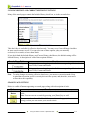
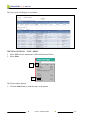
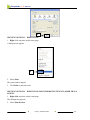
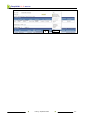
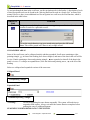
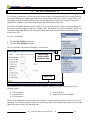
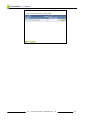
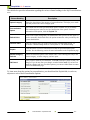
The printer friendly version of the roster appears on the screen.
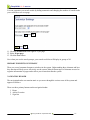
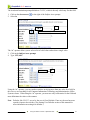
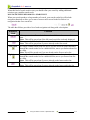
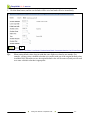
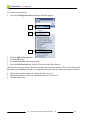
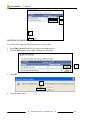
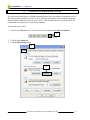
3. Click Ctrl+P.
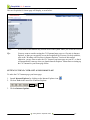
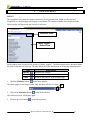
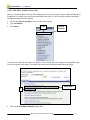
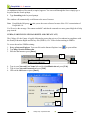
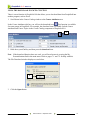
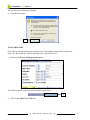
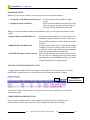
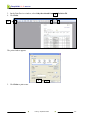
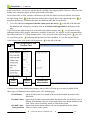
The print window appears.
4. Click Print to print the roster.
Printing y September 2008
10-3