1
PeopleSoft 9.0 Basics
EFFECTIVE DATES
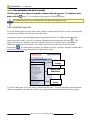
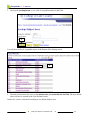
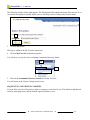
The use of effective-dates in the system allows for:
•
•
•
storage of historical data,
viewing of changes in data over time and
entry of future data.
For example, you may want to track several events in the career of a student, such as:
•
•
•
the date they applied for admission,
when they were accepted, and
when they graduated.
When any data is added to the system, an historical record for each entry is maintained in the system. This
provides an audit trail for all additions and changes in the system.
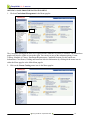
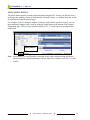
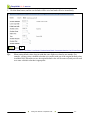
When editing is done to records in the system, the original data is retained in the system. The new data is
added to the system along with an effective date (when the information will go into effect). In this manner
changes made to a record can be tracked over time.
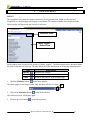
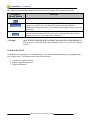
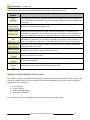
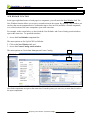
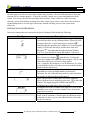
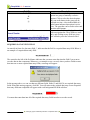
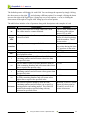
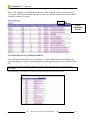
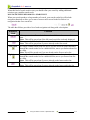
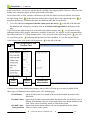
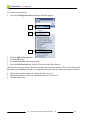
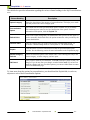
Effective-dated rows are categorized into the following basic types:
Types of
Effective-Dating
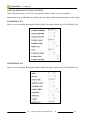
Current
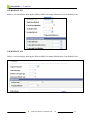
History
Future
Description
The data row with the date closest to, but not greater than, the system date.
Note: Only one row can be the current row.
Data rows that have effective dates earlier than the current data row.
Data rows that have effective dates later than the system date.
Using Page Actions to View Data y September 2008
8-2