1
PeopleSoft 9.0 Basics
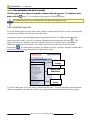
USING THE SEARCH FUNCTION
9.
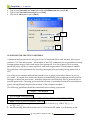
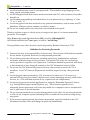
Once you have selected the menu items required to move to the desired area of the system, a
search page will display. You must use search pages in order to locate system data. Therefore,
you must understand how to use the various search functions in the system.
USING SEARCH CRITERIA
Searches can be conducted on a single or multiple database fields. If you would like to use a
single field for your search, you will use a basic search page. If, on the other hand, you would
like to use some combination of fields for your search, you will use an advanced search page.
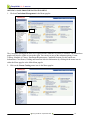
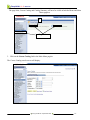
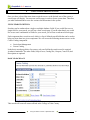
Each component has a search record, which is a list of defined search fields that can be used to
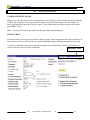
help you locate data in a given component. We will access the following menus to move to the
Course Catalog component:
•
•
Curriculum Management
Course Catalog
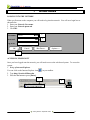
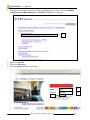
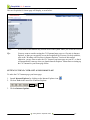
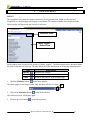
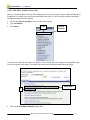
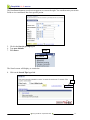
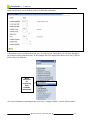
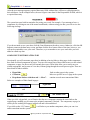
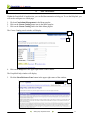
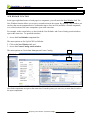
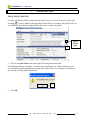
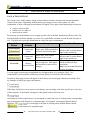
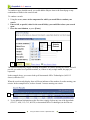
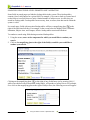
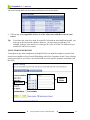
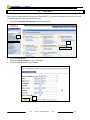
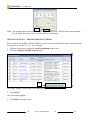
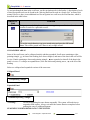
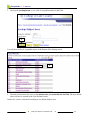
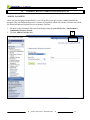
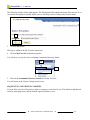
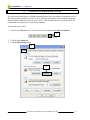
In the basic search page below for courses, only one field in the search record is required,
Academic Institution. The other fields, Subject Area, Catalog Nbr, Campus, Course ID, and
Description are optional.
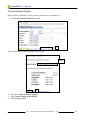
BASIC SEARCH PAGE
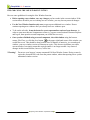
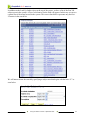
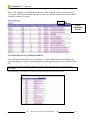
This search will locate all courses offered at the College of Lake County.
Using the Search Function y September 2008
9-1