1
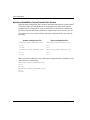
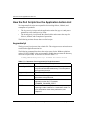
Unplanned Site Failover with Full Failback Procedure
I
I
I
I
I
I
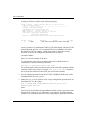
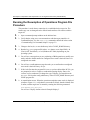
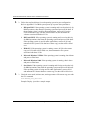
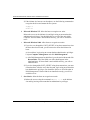
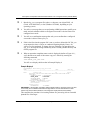
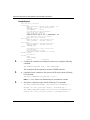
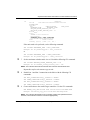
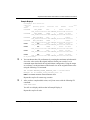
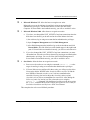
4. Change to the bat, sh, or vms subdirectory in the CLONE_HOME directory.
5. Run the hsg_fb1.xxx program file (where .xxx denotes .com (OpenVMS), .sh
(Tru64, AIX, and Solaris), or .bat (Windows NT/2000), depending on your
operating system.
6. You will see a message asking what type of failback to run. Enter f for a full
failback.
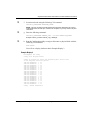
7. You will see a confirmation message that asks you to confirm that a full failback is
desired. Enter y for yes.
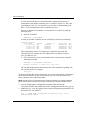
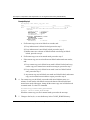
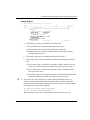
8. If this is the first time the program file is run or if you have deleted the .RC file,
you are prompted to select a verbose or condensed reporting display. Enter v for
verbose or c for condensed. To change the type of display, you must delete the
app_fb1.rc file from the config subdirectory of the CLONE_HOME directory and
run the program file.
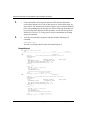
9. The display indicates when mirroring is complete. At this time, you are disaster
tolerant and can operate in this mode until you choose to complete the failback
process.
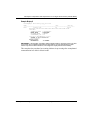
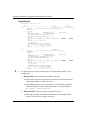
IMPORTANT: If a script encounters an abnormal condition and exits with a warning or error,
abort the scripting activities and perform the remaining steps manually. These procedures are
located in the HP StorageWorks Data Replication Manager HSG80 ACS Version 8.7P
Failover/Failback Procedures Guide.
T
T
T
T
6–6
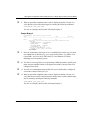
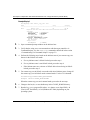
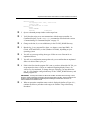
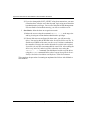
10. When you are ready to complete the failback to the original initiator site, run the
hsg_fb2.xxx program file (where .xxx denotes .com (OpenVMS), .sh (Tru64, AIX,
and Solaris), or .bat (Windows NT/2000), depending on your operating system.
11. You will see a message asking what type of failback to run. Enter f for a full
failback.
12. You will see a confirmation message that asks you to confirm that a full failback is
desired. Enter y for yes.
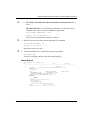
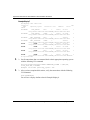
13. If this is the first time the program file is run or if you have deleted the .RC file,
you are prompted to select a verbose or condensed reporting display. Enter v for
verbose or c for condensed. To change the type of display, you must delete the
app_fb2.rc file from the config subdirectory of the CLONE_HOME directory and
run the program file.
Data Replication Manager HSG80 ACS Version 8.7P Scripting User Guide