1
Contents
Welcome to BlackBerry!...............................................................................................................................3
Set up your device.........................................................................................................................................5
Insert the SIM card and battery .........................................................................................................................5
Charge the battery................................................................................................................................................7
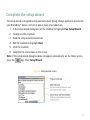
Complete the setup wizard.................................................................................................................................9
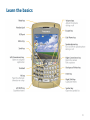
Learn the basics........................................................................................................................................... 13
Move around the screen ....................................................................................................................................14
Open a menu........................................................................................................................................................15
Typing basics........................................................................................................................................................16
Applications..........................................................................................................................................................17
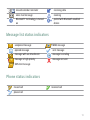
Home screen status indicators..........................................................................................................................18
Message list status indicators...........................................................................................................................19
Phone status indicators......................................................................................................................................19
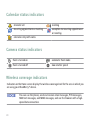
Calendar status indicators................................................................................................................................20
Camera status indicators...................................................................................................................................20
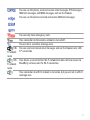
Wireless coverage indicators............................................................................................................................20
Start using your device..............................................................................................................................23
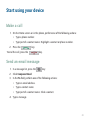
Make a call...........................................................................................................................................................23
Send an email message.....................................................................................................................................23