1
α2 Simple Application Controllers
6.17
Function Blocks 6
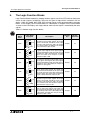
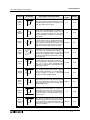
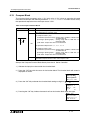
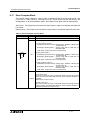
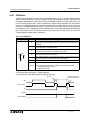
Zone Compare Block
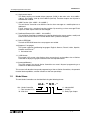
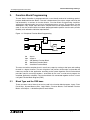
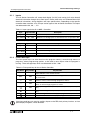
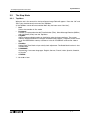
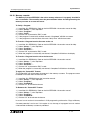
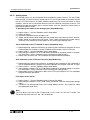
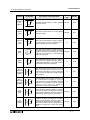
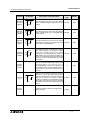
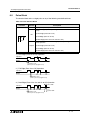
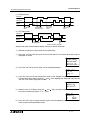
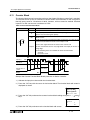
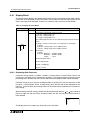
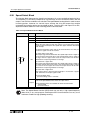
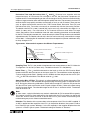
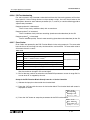
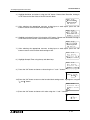
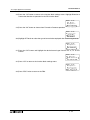
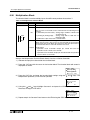
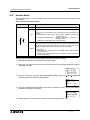
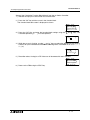
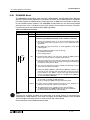
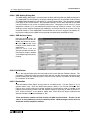
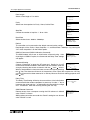
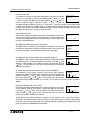
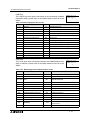
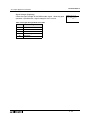
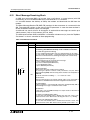
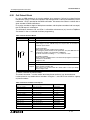
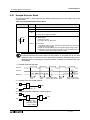
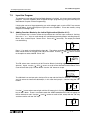
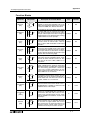
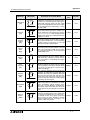
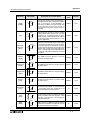
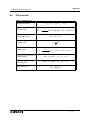
This function checks whether a value is within a specified range. There are three values - the
Low Limit (L), Input Value (I), and High Limit (H). These values can be Set Directly, be
Analog Inputs, or by Function Block values. The Output can be given a Set or Reset priority.
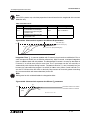
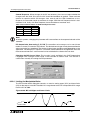
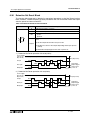
Set Priority - The Output turns ON when the Input Value is equal to or between the High and
Low Limits.
Reset Priority - The Output turns ON when the Input Value is outside the High and Low Limits.
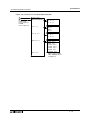
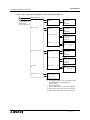
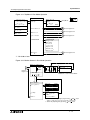
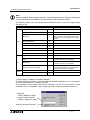
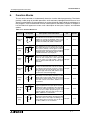
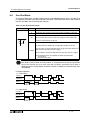
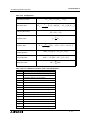
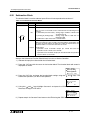
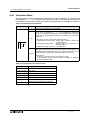
Table 6.18: Zone Compare Function Block
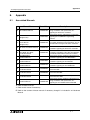
Function
Set Item
I
Description
Input pin for zone compare operation
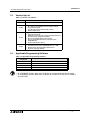
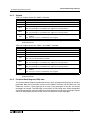
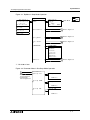
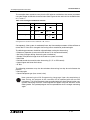
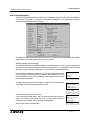
The following conditions apply to the function block:
1) Low (compare value L)
a) DirectSet (Constant value): setting range -32768 to +32767 with
an initial value 0
b) Analog In (Analog Input) : setting range A01 to A08 with an
initial input A01
c) FB Value: output value from a function block
I
000
P
O
FB
ZC
2) Input (input value I)
a) DirectSet (Constant value): setting range -32768 to +32767 with
an initial value 0
b) Analog In (Analog Input) : setting range A01 to A08 with an
initial input A01
c) FB Value: output value from a function block
3) High (compare value H)
a) DirectSet (Constant value): setting range -32768 to +32767 with
an initial value 0
b) Analog In (Analog Input) : setting range A01 to A08 with an
initial input A01
c) FB Value: output value from a function block
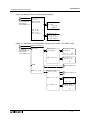
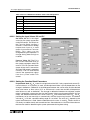
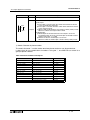
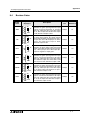
Output status:
Output
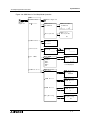
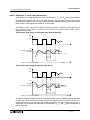
1) ON in the zone
The value from the input pin is compared with the preset high and low
values and sets the output ON when the zonal compare condition is
satisfied.
Otherwise the output is OFF.
2) OFF in the zone
The value from the input pin is compared with the preset high and low
values and sets the output OFF when the zonal compare condition is
satisfied. Otherwise the output is ON.
6 - 41