1
Installation and network
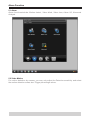
2.6 Preview
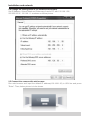
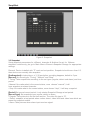
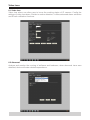
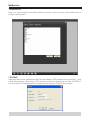
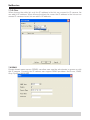
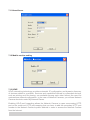
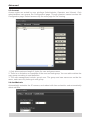
After login into IP camera with account, it will pop-up preview [Bit rate type] selection
Local view: choose main stream to display resolution:
[1920x1080P]/[1280x960]/[1280x720]
Remote view: choose sub stream to display resolution:
[704x576]/[352x288]
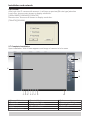
2.7 Complete Installation
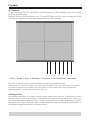
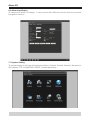
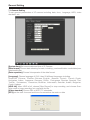
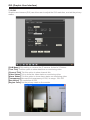
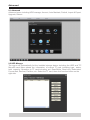
Upon installation, Web Viewer appears and image of camera is to be seen
q
s
w
d
f
e rt yu i o
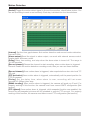
q Channel Selection
r First View
u Snapshot
a Mute
f Color Adjustment
w Preveiw Window
t Connect all Video
i All Channel Record
s Pan/Tilt Rotation
a
e Full screen view
y Disconnect all Video
o Stop All Channel Record
d Preset/Tour