1
Basic Installation
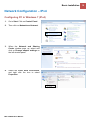
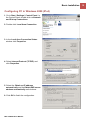
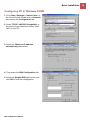
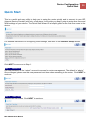
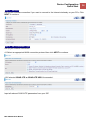
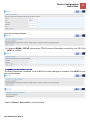
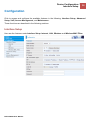
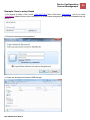
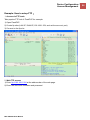
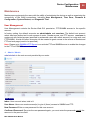
Configuring PC in Windows Vista (IPv4)
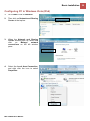
1.
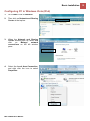
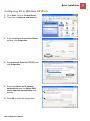
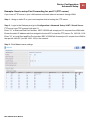
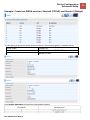
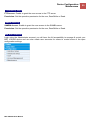
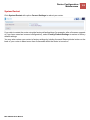
Go to Start. Click on Network.
2.
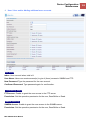
Then click on Network and Sharing
Center at the top bar.
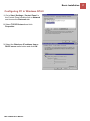
3.
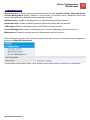
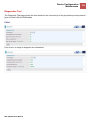
When the Network and Sharing
Center window pops up, select and
click
on
Manage
network
connections on the left window
pane.
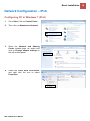
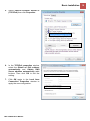
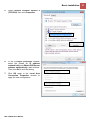
4.
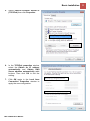
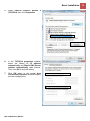
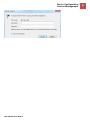
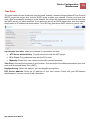
Select the Local Area Connection,
and right click the icon to select
Properties.
BEC VG2600 User Manual
12