1
Basic Installation
24
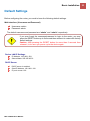
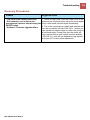
Information from Your ISP
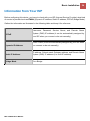
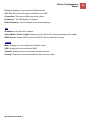
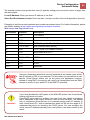
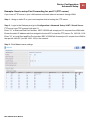
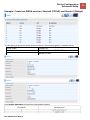
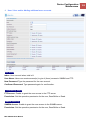
Before configuring this device, you have to check with your ISP (Internet Service Provider) what kind
of service is provided such as EWAN ((Dynamic IP address, Static IP address, PPPoE, Bridge Mode).
Gather the information as illustrated in the following table and keep it for reference.
Username, Password, Service Name, and Domain Name
PPPoE
System (DNS) IP address (it can be automatically assigned by
your ISP when you connect or be set manually).
DHCP Client (it can be automatically assigned by your ISP when
Dynamic IP Address
you connect or be set manually).
IP address, Subnet mask, Gateway address, and Domain Name
Static IP Address
System (DNS) IP address (it is fixed IP address).
Bridge Mode
Pure Bridge
BEC VG2600 User Manual