1
NEWS
News represents information about recent and important events of your company. KB users (end users)
can see the news if their corresponding display setting is enabled in Manage Settings Page.
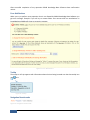
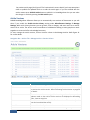
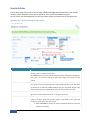
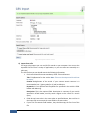
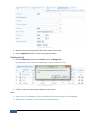
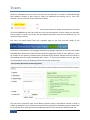
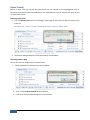
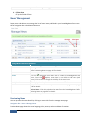
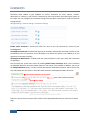
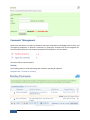
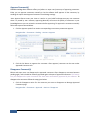
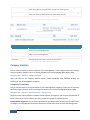
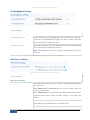
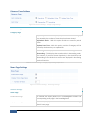
Home > Manage Settings > Feature Settings > News Page
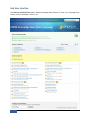
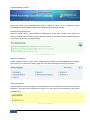
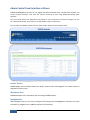
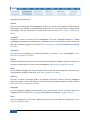
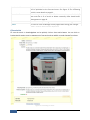
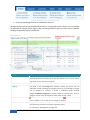
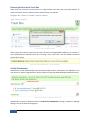
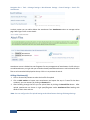
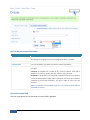
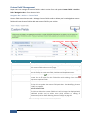
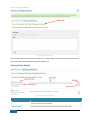
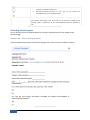
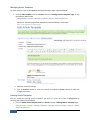
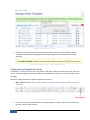
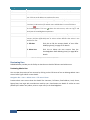
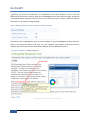
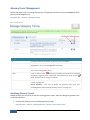
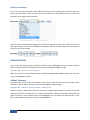
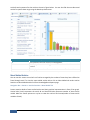
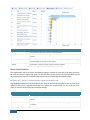
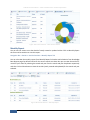
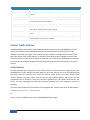
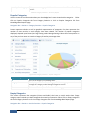
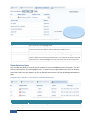
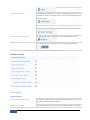
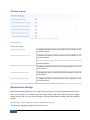
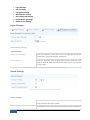
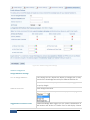
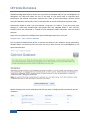
Figure 141: News Page Settings
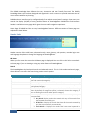
Enable News Page setting when checked will display News link under knowledgebase header links and
corresponding news page in the knowledgebase. Moreover, you can also control the display and count
of the recent news on knowledgebase home page through Display Home Page News and Number of
News settings. Since the user sees only the title of news on home page, it is important that when you
write news, make sure that the title contains all the salient points of the news item, encouraging users
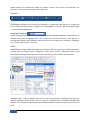
to click the link. Refer Figure 7 for screen details of news display on end users’ home page.
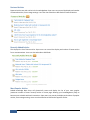
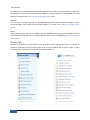
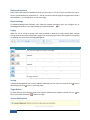
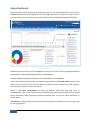
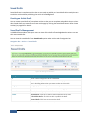
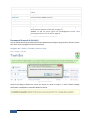
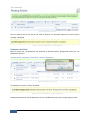
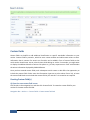
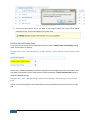
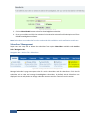
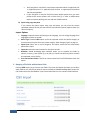
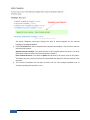
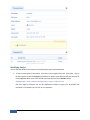
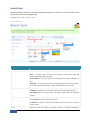
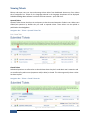
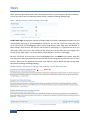
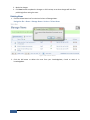
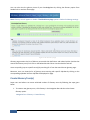
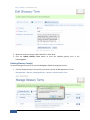
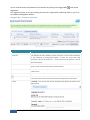
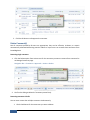
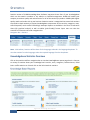
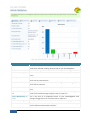
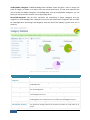
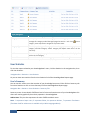
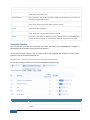
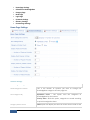
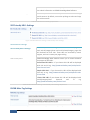
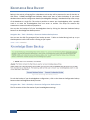
KB users can see list of all the news of your knowledgebase from the NEWS link on header. News List
item represents news title, published date and number of views along with first 325 characters of news
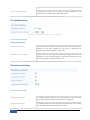
content. Super user can regulate the items per news page from Search Results per Page setting under
Miscellaneous Settings of Manage Settings.
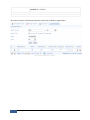
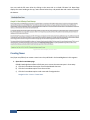
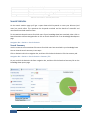
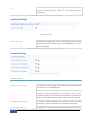
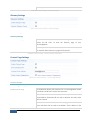
Manage Settings > Miscellaneous Settings > Search Settings > Search Results per Page
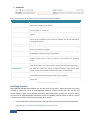
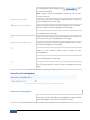
News Title
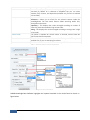
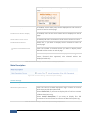
Figure 142: News Items on News Page
116
PHPKB User’s Manual