1
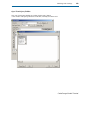
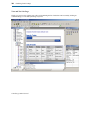
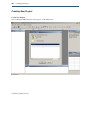
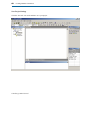
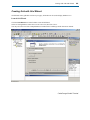
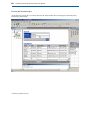
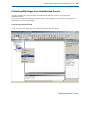
Creating Grid with Grid Wizard
67
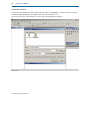
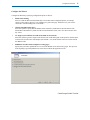
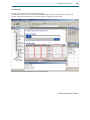
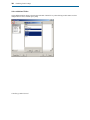
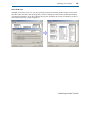
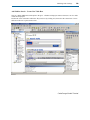
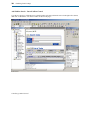
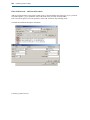
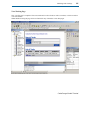
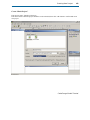
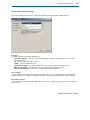
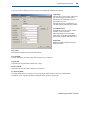
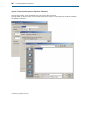
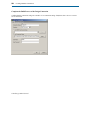
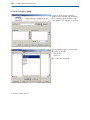
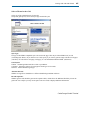
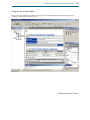
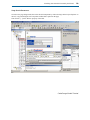
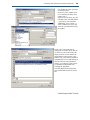
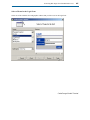
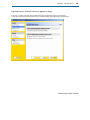
Select a Theme for the Grid
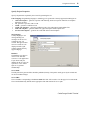
Select one of the available themes for the grid.
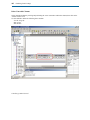
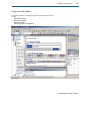
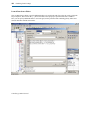
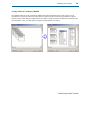
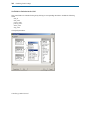
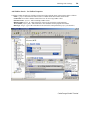
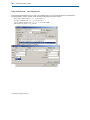
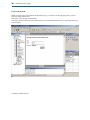
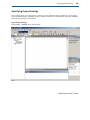
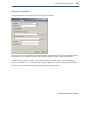
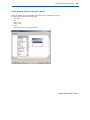
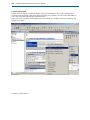
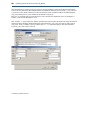
Setup other grid options, such as the Style Type and Grid Layout.
Style Type:
The type of the HTML-compatible style to be used on the page. This may be either HTML itself, or CSS
(Cascading Style Sheets). If you choose to use CSS, specify if you want to generate single CSS file for all pages
(CSS File), one CSS file for each page (CSS page), or CSS embedded within the HTML (CSS Inline)
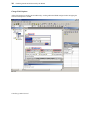
Grid Layout:
Tabular – standard grid that looks like a table or spreadsheet
Columnar – alternative grid type for newspaper/column type list of records
Justified – another alternative grid type
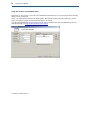
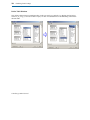
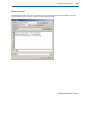
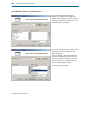
Alternate Records:
Whether even grid rows should have a different shade/background than odd rows.
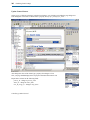
Record Separator:
Whether grid records should be generated as separate tables, which allows for additional flexibility in how the
grid looks. For example you may use the space between records to display additional information.
CodeCharge Studio Tutorial