1
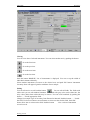
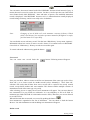
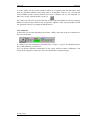
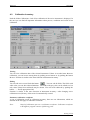
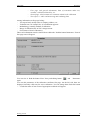
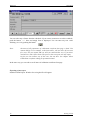
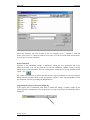
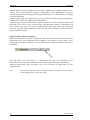
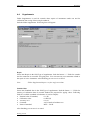
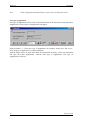
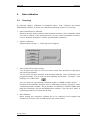
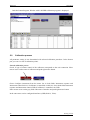
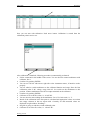
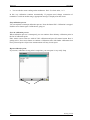
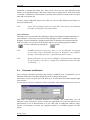
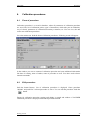
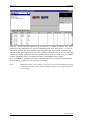
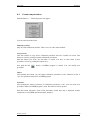
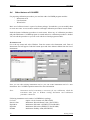
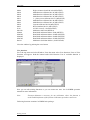
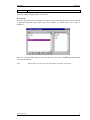
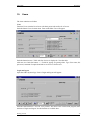
MEATEST WinQbase Modify calibration certificate Calibration certificate can be modified according to your needs. Find field with types of printing and select Modify. Push the button with printer icon. Edit window for calibration certificate modification is displayed. Following operation are allowed: Remove fix text Add fix text Copy text Remove variable, i.e. item as record from codebook Add item, i.e. category of codebook Copy item Add or remove picture. Only one picture can be inserted into first page as OLE object. Change colors and fonts Change position of objects To remove an object from the form, sign the object with clicking left mouse button. Then push right mouse button and select item Cut. Object will disappear. To add a fix text object, click on button “A”. Place mouse cursor on the requested area, push left mouse button and write text. To add codebook variable, push the button “ab”. Place mouse cursor on the requested area, push left mouse button and select from the list of codebooks desired variable. To add a picture, you have to import it into database. New head should be created too. Push Edit button in folder Calibrations and button Parameters. Select Test report head and push the button “…” . Form of Test report head will appear. Push the button “+” to create new head and write your text into three rows in the test report head. Push the button Insert. Window for searching requested picture is displayed. Format of picture must be of those type, which is supported with Windows operation system. Formats bmp, pcx, doc, etc. are suitable. Confirm by OK and save new test report head. After saving, push the button Preview. You can see inserted picture. To change its position or size, go back, chose Modify and Push the button Printer. You can see here gray frame instead of life picture, which represents inserted picture. You can move it, change size, etc. Note: Picture can be of whole page size and it can create background of the first page. Notice, that for each calibration you have to chose Parameters of test report (also Test report head). The calibration certificate is printed always in this form. In general, you can insert the picture directly in Modify menu. This procedure is not recommended, if you are using the database in computer network. Getting started 35