1
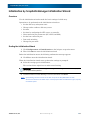
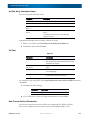
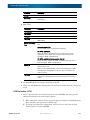
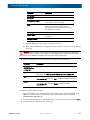
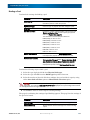
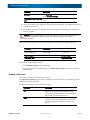
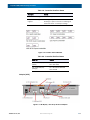
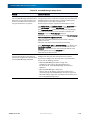
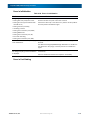
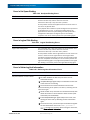
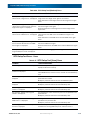
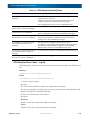
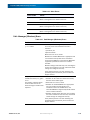
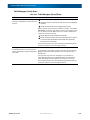
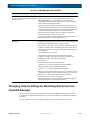
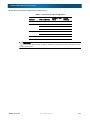
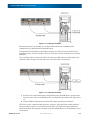
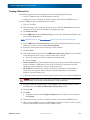
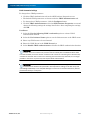
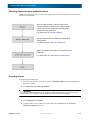
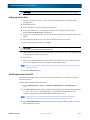
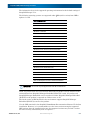
SnapSAN 66 Disk Array User Guide Control Systems Describes power control systems that do not use power switches. Control system Host OS Feature UPS Not specified This control system is for instantaneous power interruption. (Does not work with UPS) Because there is no association, when the retention period of UPS elapses, temporary power-off followed by reboot takes place. Cached data, however, is protected. Association is a mechanism to notify the disk array system of interruption of the power supply to the UPS and to start shutdown. If you use the UPS control system, establish redundancy by providing a UPS for each power supply of a device. Make sure that a failure of a single UPS does not cause simultaneous power failure of PS0 and PS1. Notes on using a UPS and Automatic Operation AC power off sequence 1 Application server → 2 FC switch → 3 disk array controller → 4 Disk enclosure → 5 Management server. If multiple disk enclosures are used, you do not need to specify the sequence of power off among the disk enclosures. Backing up user data If the power of this disk array system is turned off without going through the power off procedure described in the chapter or the power control systems without using DC buttons section described in this chapter, the user data on caches will be backed up on the flash memory of the unit. Data will not be lost even if the power is turned off without going through the procedures. Powering Off the Disk Array System Follow the steps below to power off the disk array system: Step Operation 1 Stop or power off application servers (hosts). Verify that the application servers (hosts) are stopped or powered off. 2 Press the DC button of a controller (CONT) located at the rear of the disk array controller. Then confirm that the Ready LED starts to flash rapidly. Press the DC button of either of the controllers (CONT). You do not need to press buttons of both controllers. If your press the DC buttons for 4 seconds or more, power is forcefully turned off, which may give negative impact on the disk array system. 10400386-002 10/2012 ©2012 Overland Storage, Inc 2-3