1
Function Description
Interactive Messaging (IM)
TD 92168GB
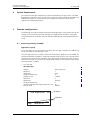
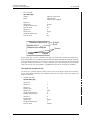
The supervisor wants to check tank no. 1
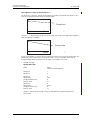
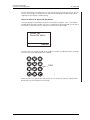
He selects the “Tank No” option which trigger the action(s) related to that option. In this
case he will be prompted to enter the tank number.
No:_
Prompt text
005
Send
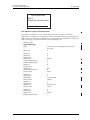
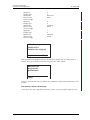
He enters “1”. By pressing “Send” this value will be sent back to the application together
with the identifier “TankNo”.
No:1_
Send
006
Prompt data
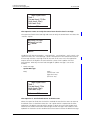
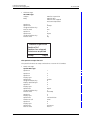
A new set of options is sent out by the application where he can select to either check the
liquid level or the temperature. The new message is sent as an update, note that for
example Subject does not need to be set again, it will hold its last value.
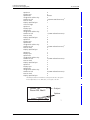
• Second message:
Update Message:
Body
Tank 1
Check the following data
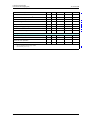
Option ID
1
Option ID
2
Option ID
Option text
Assigned soft/hot key
Data to send
3
Level
A
L1
Option ID
Option text
Assigned soft/hot key
Data to send
4
Temp
B
T1
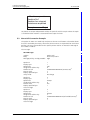
Options 1 and 2 will be erased as they are included in the update without any
information.
2006-09-25/ Ver. E
9