1
iPF830 Series
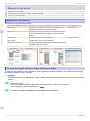
Cleaning Inside the Top Cover
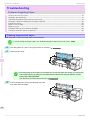
Cleaning the Printer
Cleaning Inside the Top Cover ......................................................................................................................... 47
Cleaning the Printhead .................................................................................................................................... 49
Cleaning Inside the Top Cover
•
•
•
•
•
•
•
•
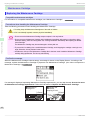
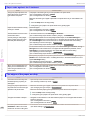
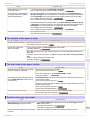
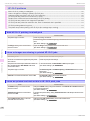
If the printed surface or the underside of paper is dirty after printing
After you have used up a roll
After borderless printing
After printing on small paper
After printing on paper that generates a lot of cutting debris
If you have replaced the roll
After printing on paper that generates a lot of paper dust
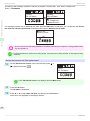
If the message "Blue platen switch is dirty." is displayed
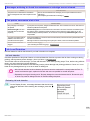
Important
Platen after borderless printing or printing on small paper.
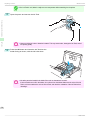
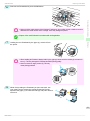
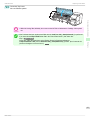
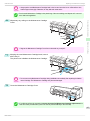
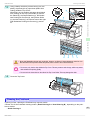
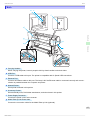
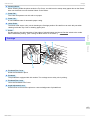
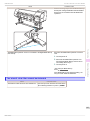
• If the Ejection Guide is dirty, it may soil the edge of the paper when the paper is cut. We recommend cleaning
the Ejection Guide even if it does not appear dirty, because it may actually be covered with paper dust.
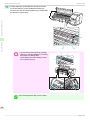
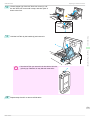
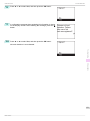
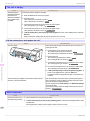
1
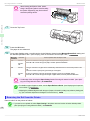
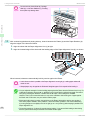
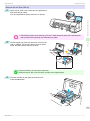
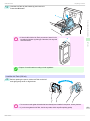
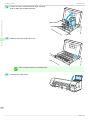
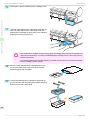
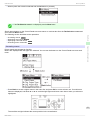
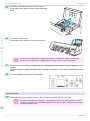
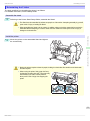
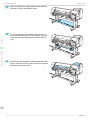
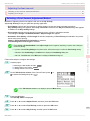
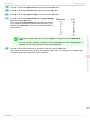
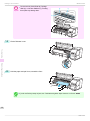
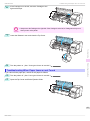
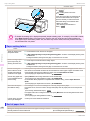
Open the Top Cover.
Cleaning the Printer
• If the Platen inside the Top Cover becomes dirty, it may soil the underside of paper. We recommend cleaning the
Consumables and Maintenance
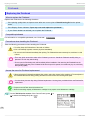
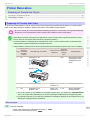
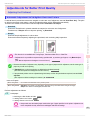
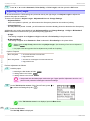
Clean inside the Top Cover about once a month to maintain better printing quality and help prevent problems.
Also clean inside the Top Cover in the following situations to ensure optimal operation.
47
Basic Guide