1
Rotate Page 90 degrees (Converse Paper)
iPF830 Series
Rotate Page 90 degrees (Converse Paper)
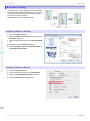
You can conserve roll paper by specifying particular settings
as suitable for your original.
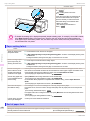
When you print an original that is in portrait orientation, the
original is rotated 90 degrees before printing if it fits within the
roll width. This enables you to conserve paper.
• If the page would exceed the roll paper width after rotation, you can use this function with Scale to fit Roll Paper
Note
Width to print rotated pages.
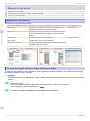
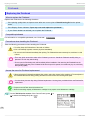
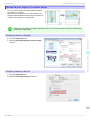
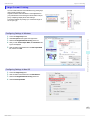
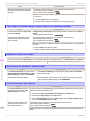
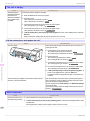
Configuring Settings in Windows
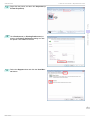
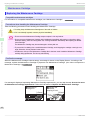
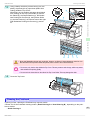
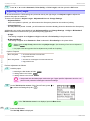
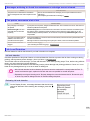
Access the Page Setup sheet.
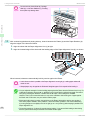
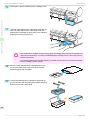
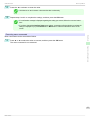
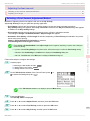
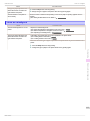
Select the Rotate Page 90 degrees (Conserve Paper)
check box.
1.
2.
Convenient Printer Driver Features
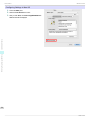
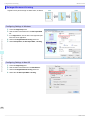
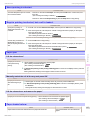
Configuring Settings in Mac OS
Software Installation
1.
2.
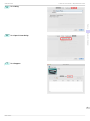
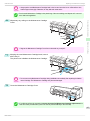
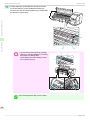
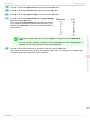
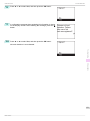
Access the Page Setup pane.
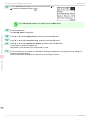
Select the Rotate Page 90 degrees check box.
85
Basic Guide