1
Configuring Settings
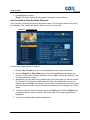
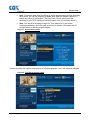
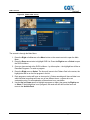
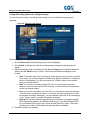
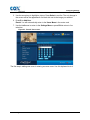
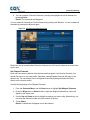
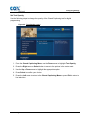
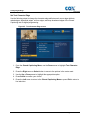
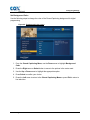
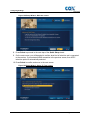
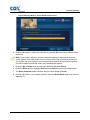
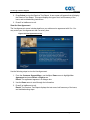
5. Continue highlighting and selecting channels until you have completed your Skipped
Channel list.
6. Press the Left arrow to return to the Channels Menu or press Exit to return to live
television.
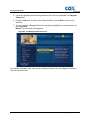
7. You can unselect a Skipped Channel by moving the highlight bar to that channel and
pressing Select.
Result: The checkmark will disappear.
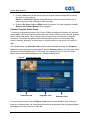
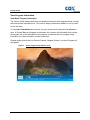
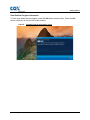
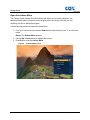
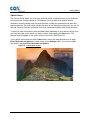
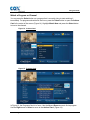
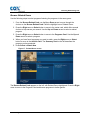
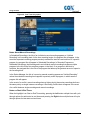
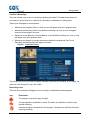
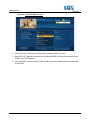
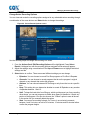
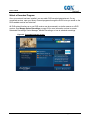
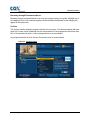
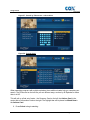
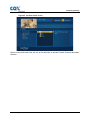
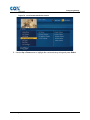
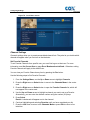
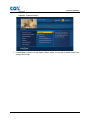
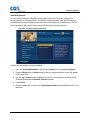
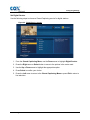
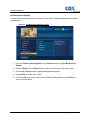
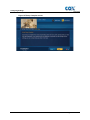
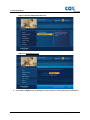
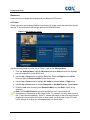
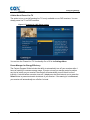
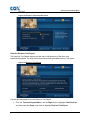
Figure 80. Set Skipped Channels screen
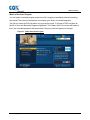
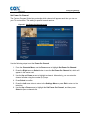
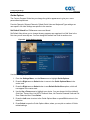
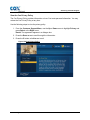
Like Favorite Channels, each user can set a Skipped Channels list. Set Skipped Channels is
found in the center card.
108
Contour Program User Guide