1
2
Getting Started
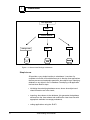
programmer writes applications using previously imported classes and
the JB Application Programming Interface (API).
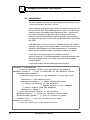
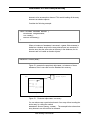
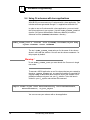
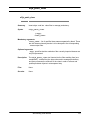
A user with administration privileges can specify a JB importer using the
o2jb_create_importer tool, detailed in Chapter 6, Section
o2jb_create_importer.
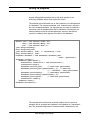
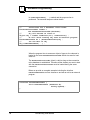
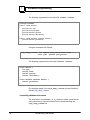
The following example specifies the user sa with the password
sapasswd as a JB importer on a Sybase database.
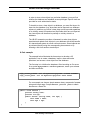
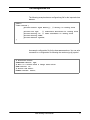
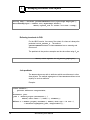
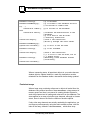
o2jb_create_importer -admin sa -adminpasswd sapasswd
-user jb_sa -passwd jb_sapasswd -url sybase:mySybase
Note
This tool does not exist for the JB/O2 and JB/JDBC versions.
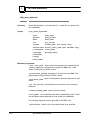
Creating a JB partition
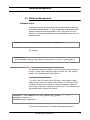
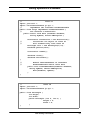
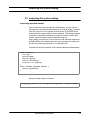
In order to store and retrieve data from a database, a JB partition must
be created and initialized. The tools o2jb_create_base and
o2jb_init_base create and initialize a JB partition respectively. Only a
JB importer can invoke these tools. The example below describes how to
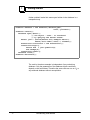
create a Sybase database named base1 of size 100 MB by the
importer jb_sa, note that a device name, log file and size must be
provided.
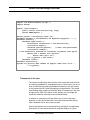
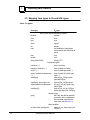
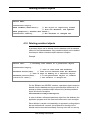
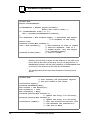
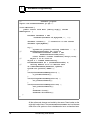
o2jb_create_base -user jb_sa -passwd jb_sapasswd -base base1
-size 100 -url sybase:mySybase -device mydevice
-log mylog -logsize 6
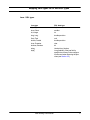
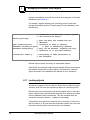
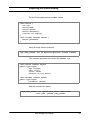
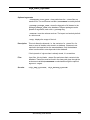
o2jb_init_base -user jb_sa -passwd jb_sapasswd
-base base1 -url sybase:Sybase
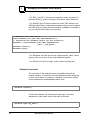
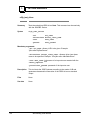
The argument -size initializes the physical volume of the database
partition to the given size in MB. Similarly, the argument -logsize
initializes the log file to the given size in MB. A volume can be further
extended by using administration tools provided by the corresponding
26
Java Binding User Manual