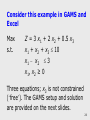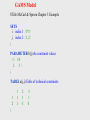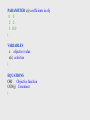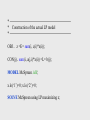
1
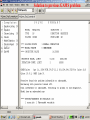
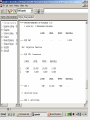
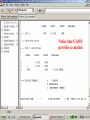
Summary steps for using GAMS
1. Install GAMS &IDE on your computer making an icon
2. Open the IDE through the icon
3. Create a project by going to the file selection in the upper
left corner.
What is a project? GAMSIDE employs a ‘Project’ file (1) to identify a
location where all saved files are to be placed (to place files elsewhere
use ‘save as’ dialogue) and where GAMS looks for files when
executing; and (2) to which project files, program option files and
output files are saved. Recommended you define a new project every
time you wish to change the file storage directory.
4