1
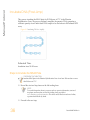
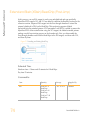
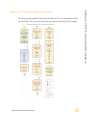
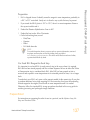
Automated Protocol
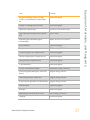
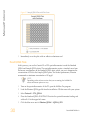
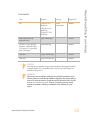
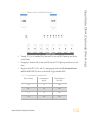
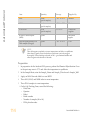
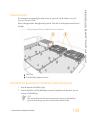
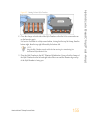
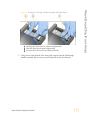
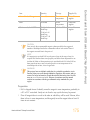
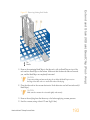
E
F
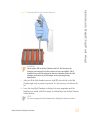
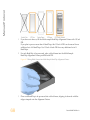
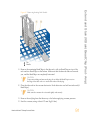
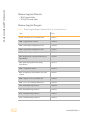
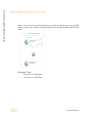
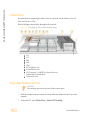
NaOH in Quarter Reservoir
DNA Plate (MIDI)
Steps to Make the MSA3 Plate
1
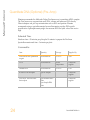
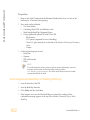
If you do not already have a WG#-DNA plate, add DNA into one of the following:
• MIDI plate: 20 μl to each WG#-DNA plate well
• TCY plate: 10 μl to each WG#-DNA plate well
Apply a barcode label to the new WG#-DNA plate.
2
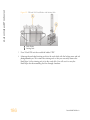
At the robot PC, select MSA3 Tasks | Make MSA3.
3
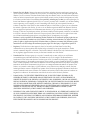
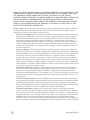
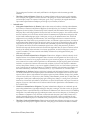
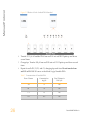
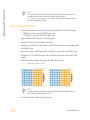
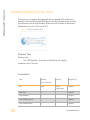
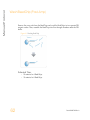
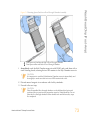
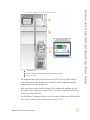
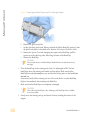
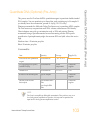
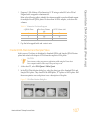
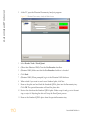
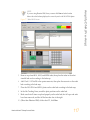
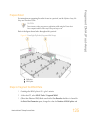
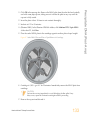
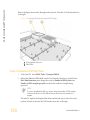
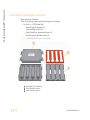
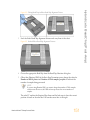
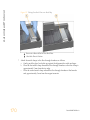
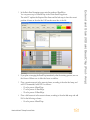
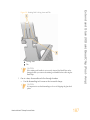
In the Plate Selection dialog box, click on the plate type you wish to use. Roll the mouse
pointer over each picture to see a description of the plate.
Figure 76 Selecting the Plate Type
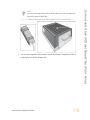
NOTE
Do not mix plate types on the robot bed.
4
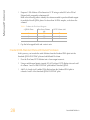
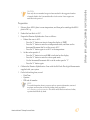
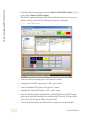
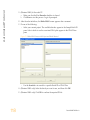
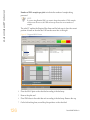
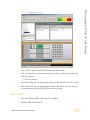
(Other than Illumina LIMS) Make sure that the Use Barcodes checkbox is cleared. In
the Basic Run Parameters pane, enter the Number of DNA samples (48 or 96) that are
in the plate. This value must match the number of DNAs in the plate and the number
of DNAs identified in the DNA manifest.
NOTE
If you are using Illumina LIMS, you cannot change the number of DNA samples
on this screen. However, the Illumina LIMS software processes the correct
number of samples.
You can process up to 96 DNA samples per robot run.
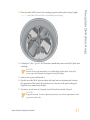
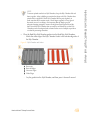
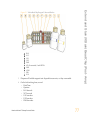
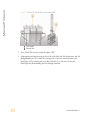
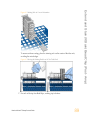
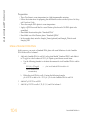
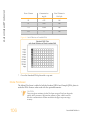
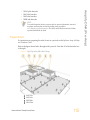
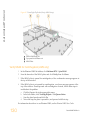
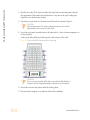
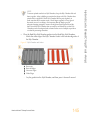
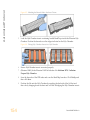
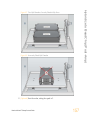
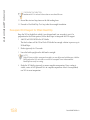
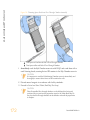
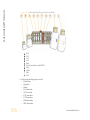
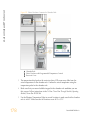
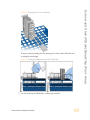
The robot PC updates the Required Run Items and the bed map to show the correct
position of items on the robot bed. All barcodes must face to the right.
116
Part # 15045738 Rev. A