1
New Businesses
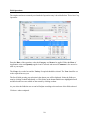
If you have separate farms which you wish to keep as individual businesses on the system you have
to click on File and New Business. Alternatively click the blank page icon at the top of the screen.
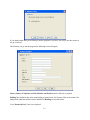
This will take you back to the initial start up screen. You then follow the same routine for each new
business.
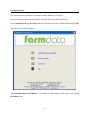
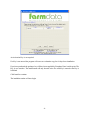
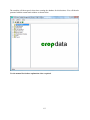
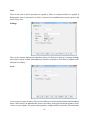
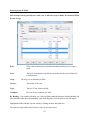
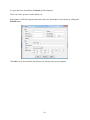
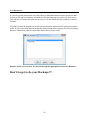
Next time you start the program you will be given the business option screen to pick from as shown
below. If you wish to swap between businesses whist working in the program, click File and Change
Business. Alternatively click the Open folder icon at the top of the screen.
Routine occurrences can now be entered through the appropriate Occurrence Routines.
Don’t forget to do your Backups !!!
-31-