1
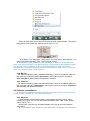
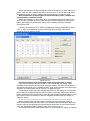
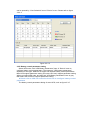
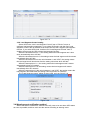
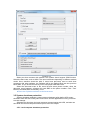
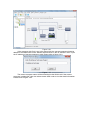
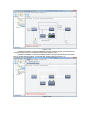
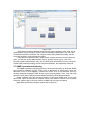
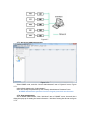
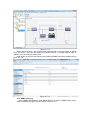
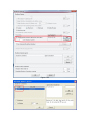
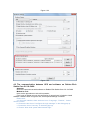
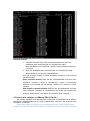
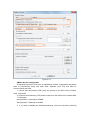
can be opened by “View Schedule” item of “Device” menu. Please refer to figure
3.3.4.3.
Figure 3.3.4.3
3.3.5 Battery control parameter setting
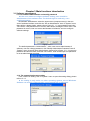
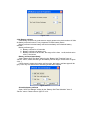
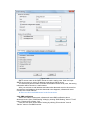
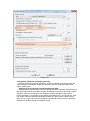
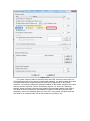
Select UPS node, click “UPS Battery Parameters” item of “Device” menu to
configure battery control parameters. The content of “UPS battery parameters”
depends on UPS type. Different UPS type has different battery control parameters.
Most UPS support parameter setting, but some UPS can’t support parameter setting.
When you select UPS node, and then find “UPS Battery Parameters” item is grey,
that means the UPS don’t support parameter setting.
▲Please refer to UPS user manual to learn how to configure battery control
parameters
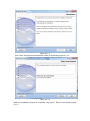
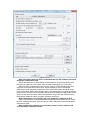
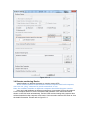
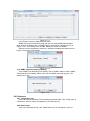
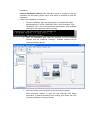
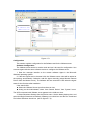
The battery control parameters dialog of some UPS, such as figure 3.3.5.