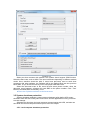
1
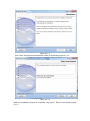
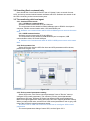
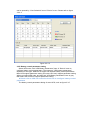
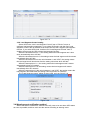
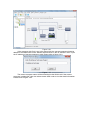
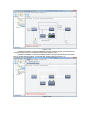
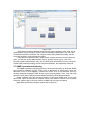
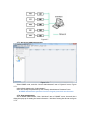
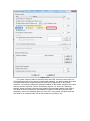
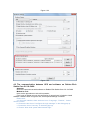
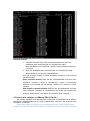
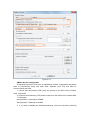
Figure 3.3.7.3
3.3.8 Load Segment Control setting
Select UPS node, click “Load Segment Control” item of “Device” menu to
configure load segment parameters. If you select UPS node, and then find “Load
Segment Control” item is disabled, that means the UPS don’t support load segment
function. If you select UPS node, and then find “Load Segment Control” item is
enabled, that means the UPS support load segment function.
When the shutdown timer is -1, the setting means the load segment won’t shut
down automatically when AC fails.
When the shutdown timer is 0, the setting means the load segment will shut down
immediately when AC fails.
When the shutdown timer is the value between 1 and 32767, the setting means
the load segment will shut down after the setting value time when AC fails.
When the startup timer is -1, the setting means the load segment won’t restart
automatically when AC restores.
When the startup timer is 0, the setting means the load segment will restart
immediately when AC restores.
When the startup timer is the value between 1 and 32767, the setting means the
load segment will restart after the setting value time when AC restores.
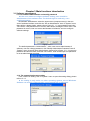
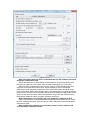
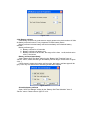
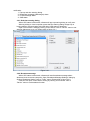
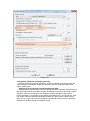
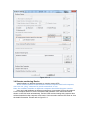
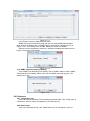
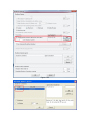
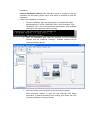
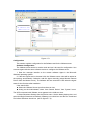
The “Load Segment control” dialog of some UPS, such as figure 3.3.8.
Figure 3.3.8
3.4 Warning event notification method
When UPS status is abnormal, software will notify user to let user learn UPS status
as soon as possible, and then user can take action according to warning event